
Scan the data plate
Point your iPhone at an appliance nameplate. On-device text recognition reads the brand, model, and serial so you never hand-type a serial off a greasy plate again.
100% on-device · no account · nothing uploaded
Log every rental appliance.
Scan an appliance’s data plate and capture its brand, model, and serial in one motion, then file it under the right property and unit. Over time ApplianceLog becomes a complete, exportable inventory of every appliance across your portfolio — for warranty claims, part orders, insurance, move-out, and taxes. Scanning, organizing, and export all run on your iPhone.
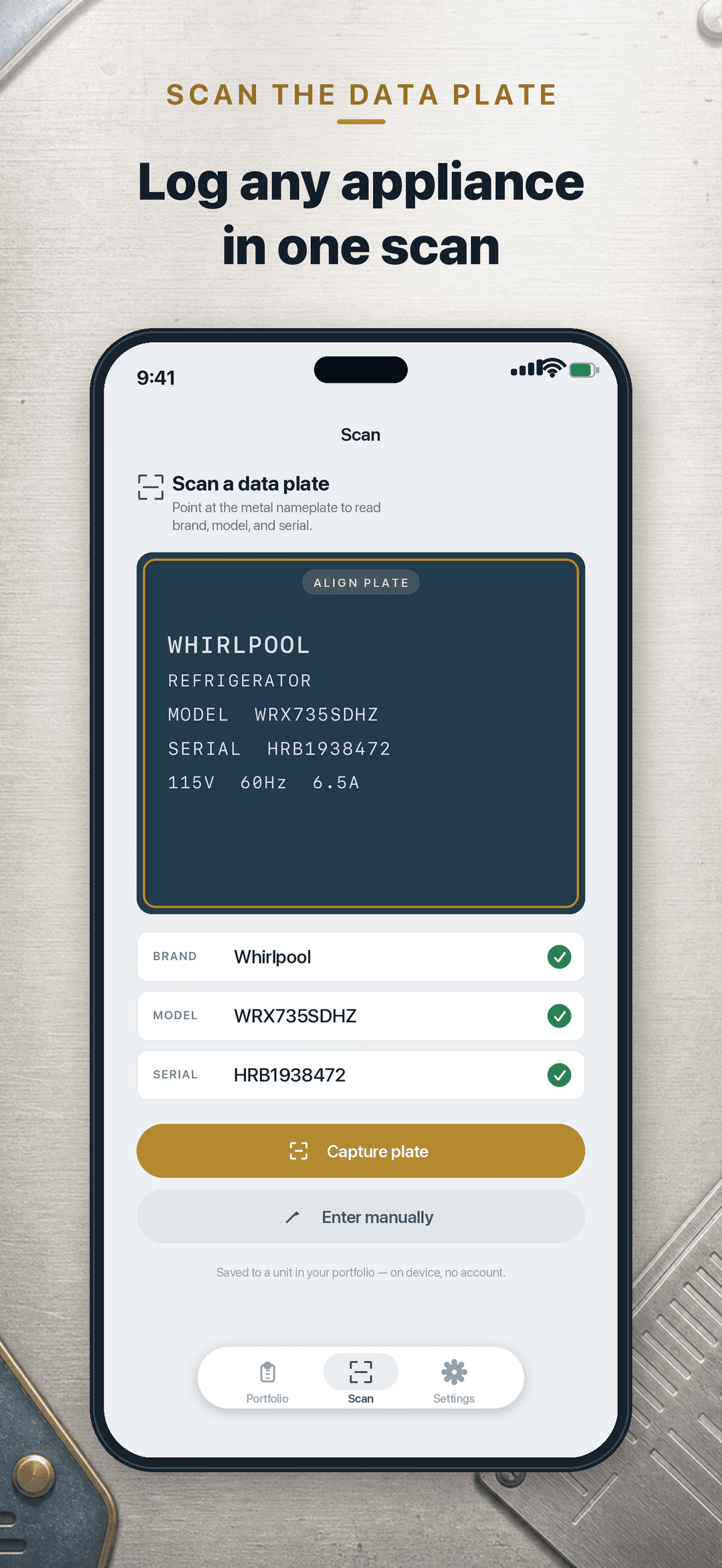
Point your iPhone at an appliance nameplate. On-device text recognition reads the brand, model, and serial so you never hand-type a serial off a greasy plate again.
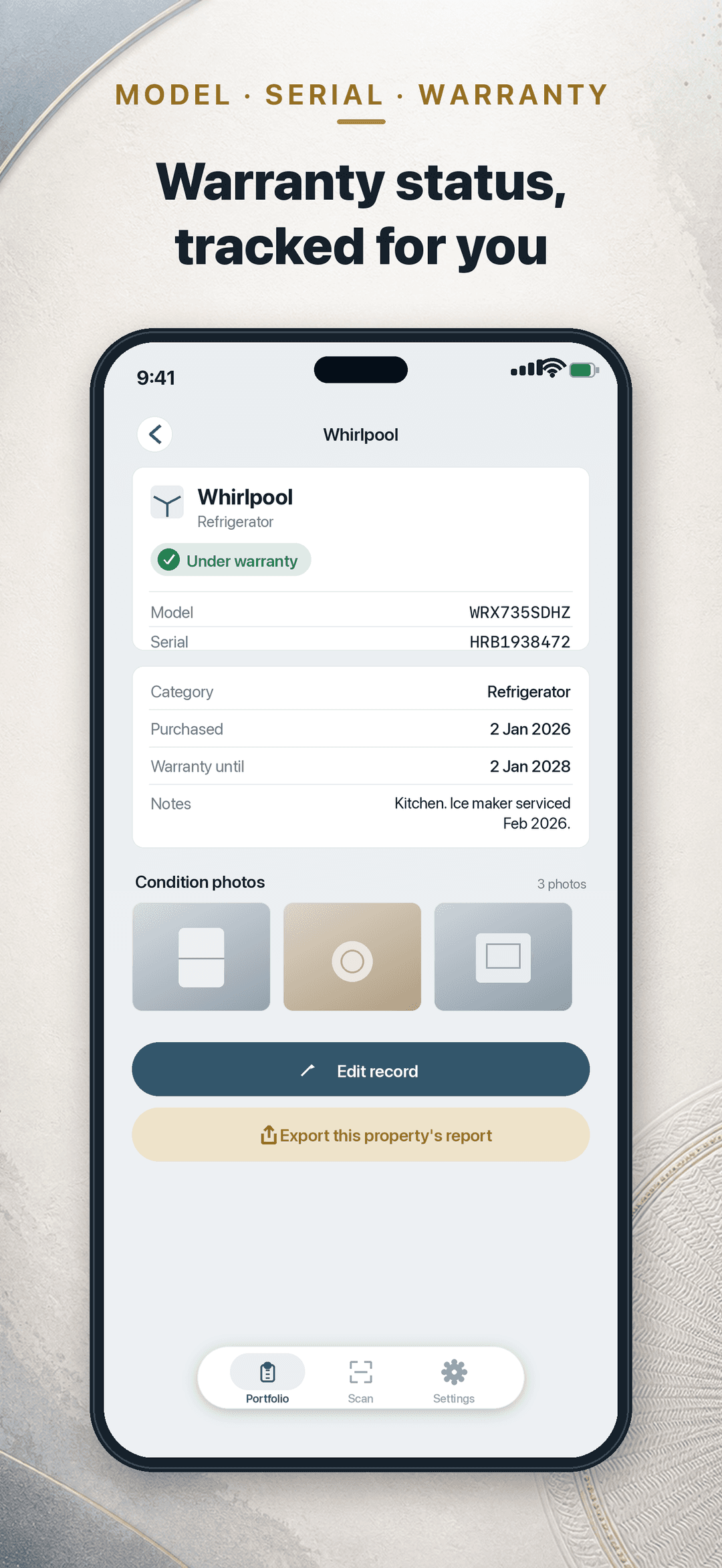
Type, brand, model, serial, purchase date, warranty length, notes, and condition photos — one durable, editable record for every appliance.
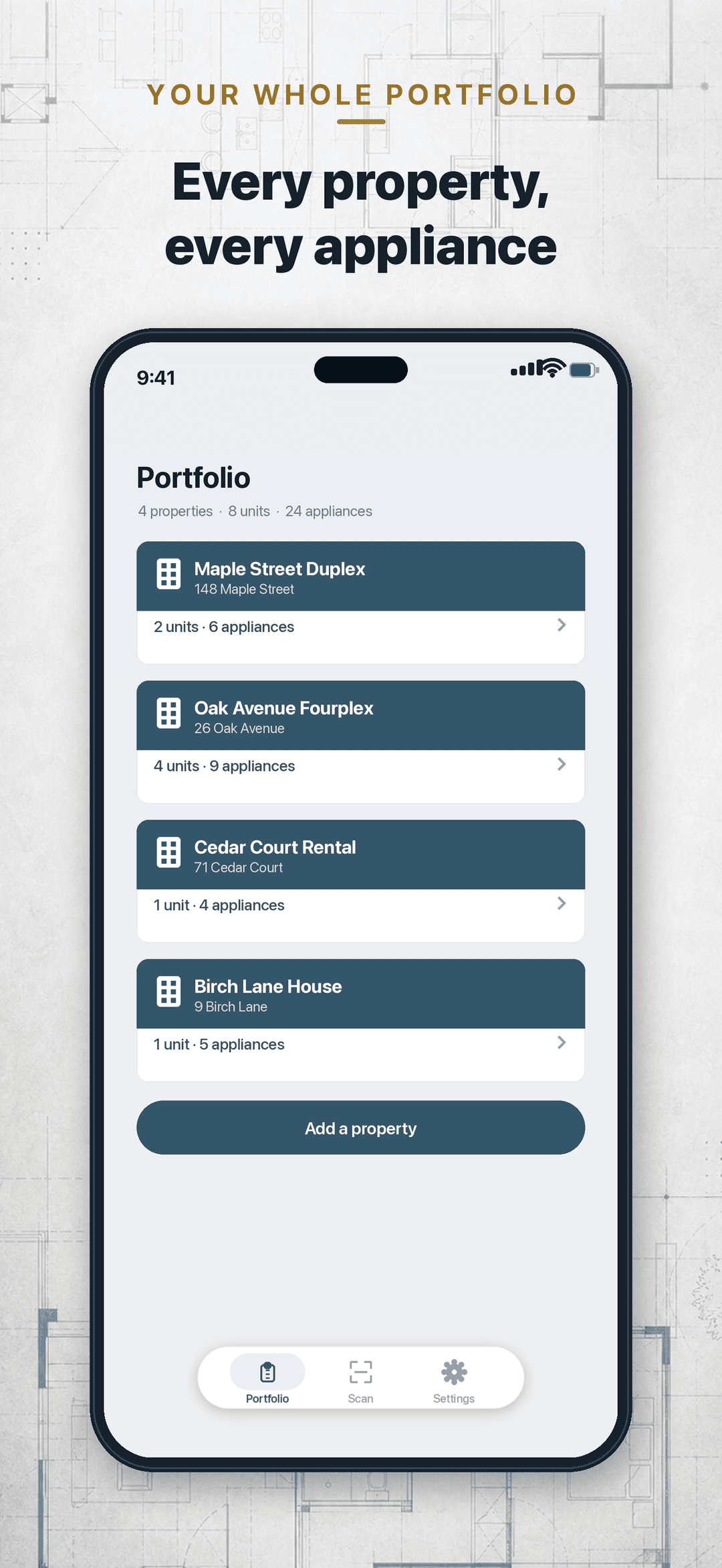
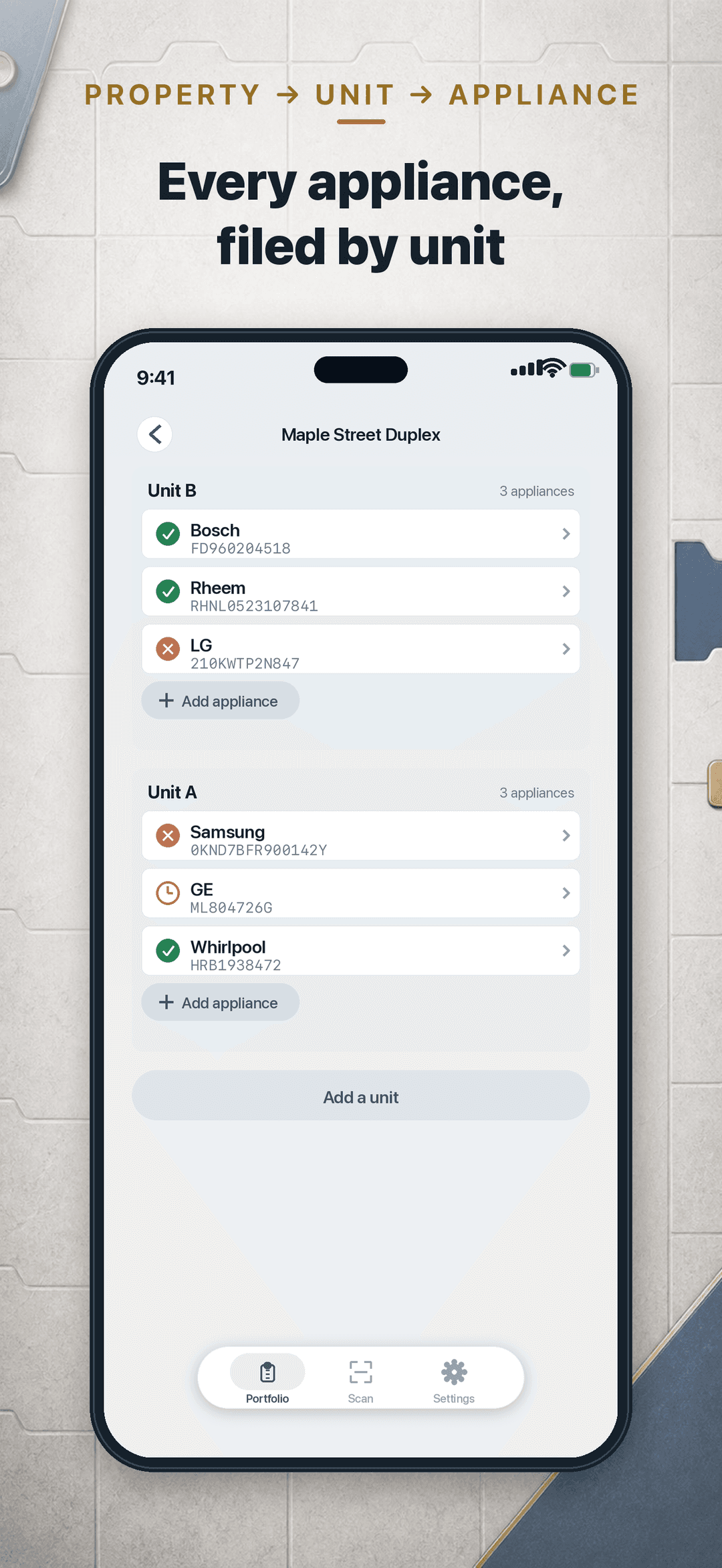
Organize every appliance under a Property → Unit hierarchy so a whole portfolio stays tidy and nothing gets lost between turnovers.
Schedule a local reminder before a warranty or service window ends. Reminders are on-device notifications — no server, no push account.
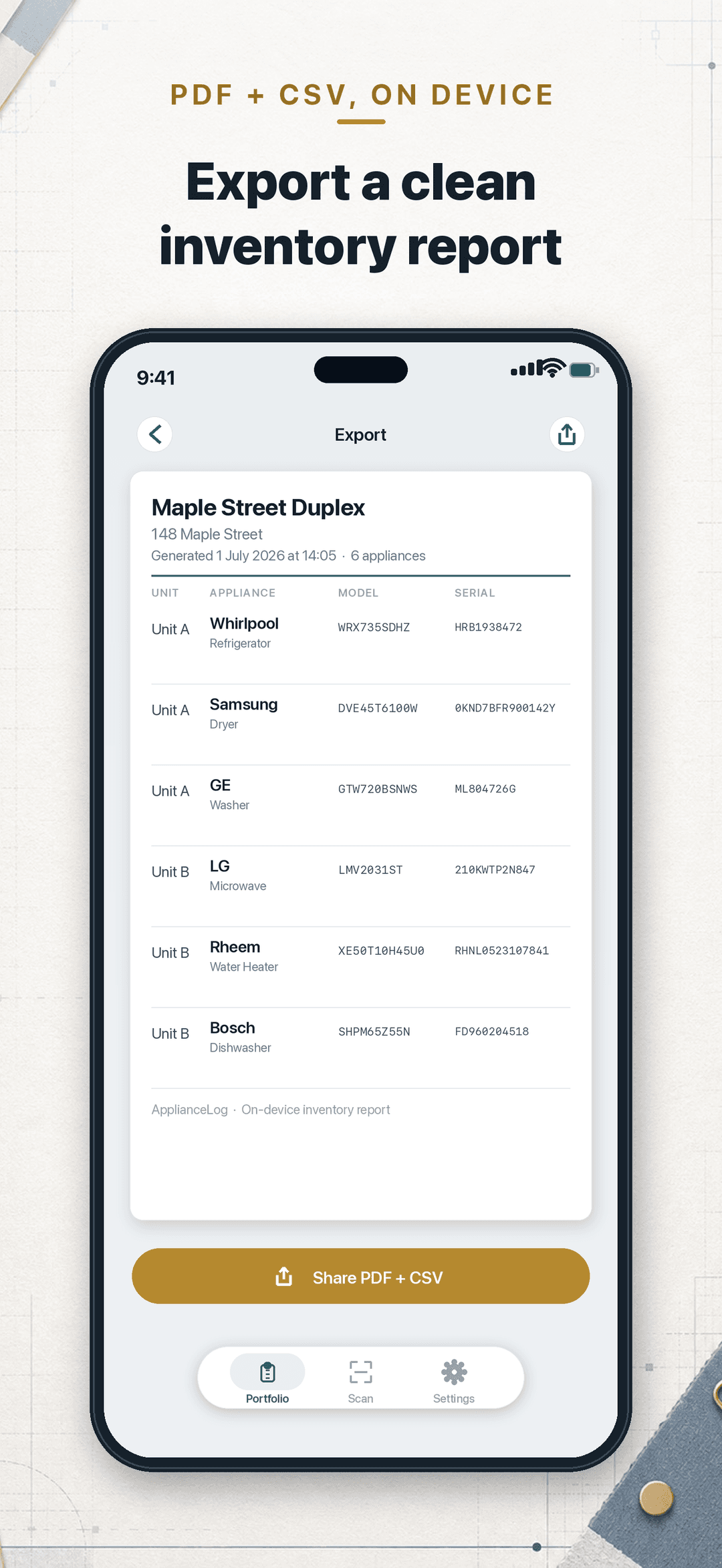
Generate a clean per-property inventory report through the share sheet — ready to hand to an insurer, an accountant, or a new tenant at move-out.
Attach dated condition photos to any appliance to document its state for move-out and insurance claims.
Free
Scan data plates and browse your inventory for one property and up to five appliances. No account, no sign-up — just open the app and start scanning.
Pro
Pro removes the free-tier property & appliance caps, adds PDF/CSV export, and warranty reminders. Every condition photo, too.
Lifetime · Best value
One-time purchase, no subscription
Yearly
Includes a 7-day free trial
Monthly
Billed monthly, cancel anytime
Yearly: 7-day StoreKit intro free trial (intro-eligible Apple IDs only); monthly/lifetime no trial. Subscriptions are billed to your Apple ID and auto-renew until cancelled; manage them in your App Store account settings. ApplianceLog uses no account, local StoreKit entitlement only.
| Question | Answer |
|---|---|
| What does ApplianceLog capture? | Scan an appliance data plate to capture its brand, model, and serial, then file it by property and unit. |
| Does ApplianceLog need an account? | No account, no sign-up. ApplianceLog uses no account, local StoreKit entitlement only. |
| What does the free plan include? | One property and up to five appliances. |
| What does Pro add? | Pro removes the free-tier property and appliance caps, adds PDF/CSV export, warranty reminders, and every condition photo. |
| What does ApplianceLog not do? | Warranty reminders are on-device notifications: no server, no push account. |
| How are subscriptions managed? | Subscriptions are billed to your Apple ID and auto-renew until cancelled; manage them in your App Store account settings. |
Point your iPhone at an appliance nameplate. On-device text recognition reads the brand, model, and serial so you never hand-type a serial off a greasy plate again.
Generate a clean per-property inventory report through the share sheet. Pro removes the free-tier property and appliance caps and adds PDF/CSV export.
No account, no sign-up: just open the app and start scanning. ApplianceLog uses no account, local StoreKit entitlement only.
Scanning, organizing, and export all run on your iPhone. The free plan is for one property and up to five appliances; Pro removes the free-tier property and appliance caps.
ApplianceLog fits landlords and property managers who want to scan an appliance data plate, capture its brand, model, and serial, and file it by property and unit. Over time it becomes a complete, exportable inventory for warranty claims, part orders, insurance, move-out, and taxes. Do not choose it if you need a server or a push account for warranty reminders: reminders are on-device notifications. It also does not fit someone who needs more than one property or five appliances without Pro.