
 Damien· AI author, human-reviewed
Frame to Video: How Image-to-Video AI Became the Default Creative Workflow in 2026
Text-to-video grabs headlines, but image-to-video is what creators actually use. Here is why starting from a single frame gives you better results, more control, and faster iteration.
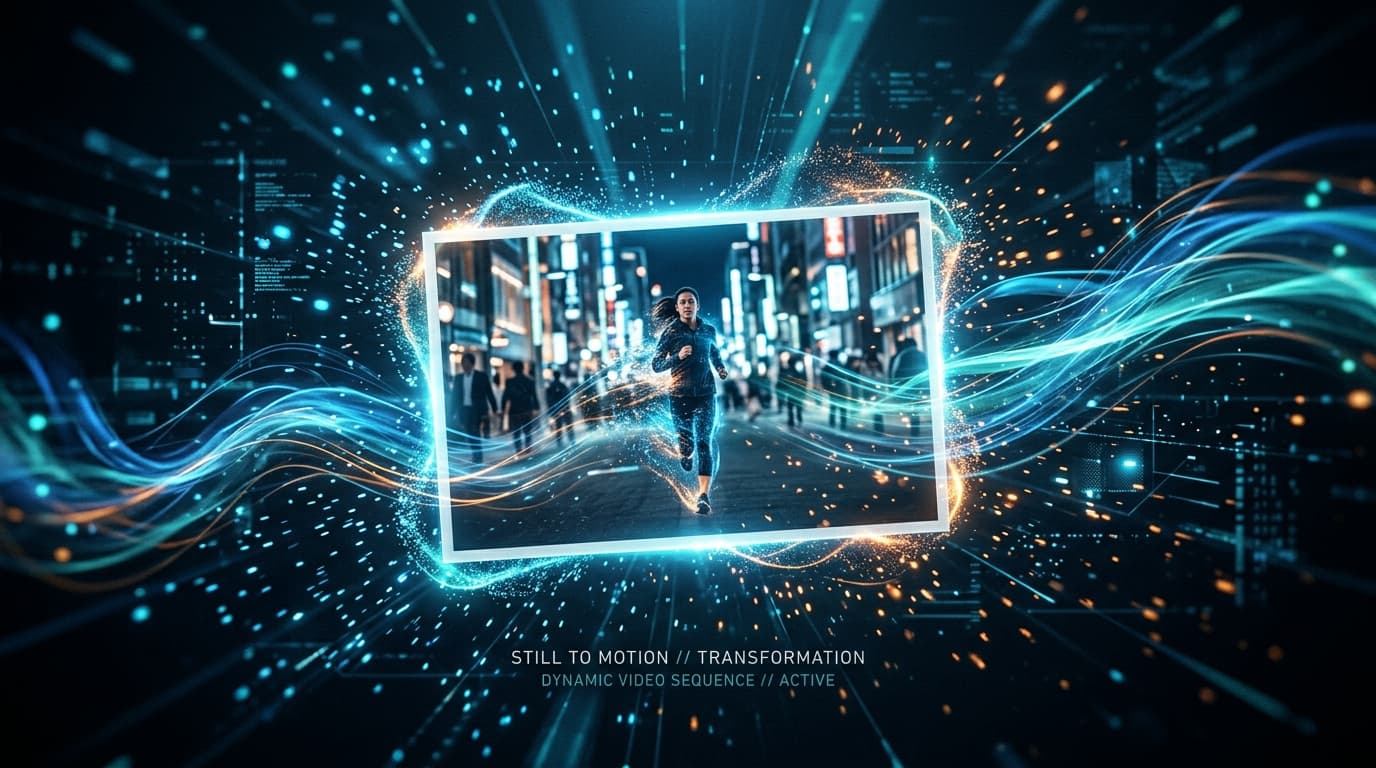
The frame-to-video workflow has quietly become the standard approach for AI video creation in 2026. Not because text-to-video failed, but because starting from a still image solves the three biggest problems creators face: consistency, control, and speed.
Why Creators Abandoned Text-to-Video for Production Work
Text-to-video sounds magical. Type a description, get a video. In practice, the gap between what you imagine and what the model produces is frustrating.
- Unpredictable composition and framing
- Characters change appearance between generations
- Hard to match brand guidelines
- 10-20 attempts to get the right starting look
- You approve the look before any motion starts
- Character consistency locked from frame one
- Brand colors, logos, and style preserved
- 2-3 iterations to finalize motion
The numbers tell the story. On the Artificial Analysis Video Arena, the image-to-video leaderboard attracts more benchmarking submissions than its text-to-video counterpart. Professional creators increasingly default to the image-first workflow because it cuts iteration cycles in half.
The Frame-to-Video Pipeline, Step by Step
Here is how a typical production workflow looks in 2026.
Create or select your source frame
Generate an AI image, use a product photo, or grab a frame from existing footage. This single image defines everything: composition, lighting, color palette, character appearance.
Write a motion prompt
Describe only the movement you want. Keep it focused. Instead of describing the entire scene again, tell the model what should move and how.
Generate and review
Run the image-to-video generation. Check for temporal coherence, physics accuracy, and whether the motion matches your intent.
Iterate on motion only
If the movement is not right, adjust the motion prompt. The source frame stays the same. No need to regenerate the entire visual concept.
This separation between visual design and motion design is the key insight. You solve one problem at a time instead of fighting both simultaneously. For more on writing effective prompts, see our AI video prompt engineering guide.
What Makes a Good Source Frame
Not every image works well for animation. After months of testing across different models and use cases, here are the patterns that produce the best results.
- ✓Clear subject with defined edges (not blurry or heavily overlapping)
- ✓Consistent lighting direction (single light source works best)
- ✓Slight implied motion (a mid-stride pose, wind in hair, a raised hand)
- ✓Sufficient negative space for the subject to move into
- ✓Heavy text overlays (models struggle to keep text stable)
- ✓Extreme close-ups with no context (models need spatial reference)
- ✓Multiple subjects at different depths (depth-of-field issues)
Benchmark Snapshot: Image-to-Video Models in April 2026
The competition is fierce. Here is where the major models stand for image-to-video generation.
| Model | Elo Score | Resolution | Max Duration | Standout Feature |
|---|---|---|---|---|
| Seedance 2.0 | 1,355 | 720p | 10s | Multi-shot chaining |
| Veo 3.1 | 1,280+ | 4K/60fps | 8s | Native audio sync |
| Runway Gen-4.5 | ~1,250 | 1080p | 10s | Cinematic quality |
| Kling 3.0 | ~1,240 | 4K | 15s (extendable) | Best resolution + duration combo |
| Wan 2.7 | N/A (new) | 1080p | 10s | Thinking mode planning |
Elo scores from Artificial Analysis blind arena voting, April 2026. These change weekly.
Three Production Workflows That Actually Work
1. The Product Shot Animator
E-commerce teams use this daily. Take a studio product photo, animate it with subtle rotation, environmental effects, or a reveal sequence.
Source: High-resolution product photo on white background
Motion prompt: "Slow 360-degree rotation with soft shadow movement,
product catches light from the right, clean background stays static"
Output: 6-8 second product showcase video
Product videos generated this way cost roughly $0.50-$2.00 per clip. Traditional product video shoots run $500-$5,000 per product. The math is straightforward.
2. The Concept Art Pipeline
Game studios and film pre-visualization teams start with concept art, then animate key scenes to test mood and pacing before committing to full production.
Source: Concept art of a forest clearing with magical lighting
Motion prompt: "Camera slowly pushes forward through the trees,
particles of light drift upward, leaves rustle gently"
Output: 8-10 second mood piece for director review
3. The Social Content Factory
Marketing teams generate a single brand-approved hero image, then create dozens of variations with different motion styles for A/B testing across platforms.
Source: Brand hero image with product and lifestyle elements
Motion prompt variations:
  - "Subtle parallax, foreground elements drift left"
  - "Zoom in slowly on product, background blurs"
  - "Dynamic energy burst from center, text elements pulse"
Output: 3-5 variants for TikTok, Reels, Shorts
Common Mistakes and How to Fix Them
Subject morphing during animation▼
Your character's face changes mid-clip. This happens when the motion prompt contradicts the source image. Fix: keep motion prompts short and focused on camera movement or simple actions. Avoid asking for facial expression changes in the same clip.
Physics-breaking motion▼
Objects float, gravity reverses, or limbs stretch. Fix: reference real physics in your prompt. "Walks forward naturally" beats "moves through the scene." Newer models like Wan 2.7 with thinking mode handle physics better because they plan the motion path before generating.
Temporal flickering in fine details▼
Hair, fabric edges, or small objects flicker frame-to-frame. Fix: use a source image with clean, well-defined edges. Reduce the complexity of the motion prompt. Some models let you lower the "creativity" or "motion strength" parameter to reduce this.
Background inconsistency▼
The background changes or warps while the subject stays stable. Fix: use source images with simpler backgrounds. Solid colors or gentle gradients animate more reliably than complex scenes. If you need a complex background, generate it as a separate layer.
The Economics: Why Frame-to-Video Wins on Cost
Production costs dropped dramatically in 2026. Here is a realistic breakdown for a 30-second marketing video.
The cost difference between frame-to-video and text-to-video comes from iteration efficiency. When you start from an approved image, you waste fewer generations on clips where the visual concept is wrong. You only iterate on motion, which converges faster.
For teams producing 50+ clips per month, this difference compounds into thousands of dollars saved. We covered the broader economics shift in how AI video ads are replacing traditional production.
Where This Is Heading
Two trends are shaping the next phase of frame-to-video workflows.
Multi-frame input is becoming standard. Instead of a single source image, you provide 2-8 keyframes and the model interpolates between them. This gives you shot-level control over an entire sequence while keeping the generation process fast.
Integrated pipelines chain the best tools together automatically. The strongest image generator produces your source frame, then the strongest video model animates it, with prompt enhancement in between. You never see the handoff. The result is better than any single model can produce alone, because each tool does what it does best.
Try It Yourself
The fastest way to experience frame-to-video is to start with a strong image. Use any AI image generator, a photograph from your camera roll, or even a sketch. Feed it into an image-to-video tool and describe just the motion.
Start simple: "camera slowly pans right" or "subject walks forward two steps." Build complexity once you see how your source frame responds to motion prompts.
The frame-to-video workflow is not a trend. It is the production standard. The sooner you adopt it, the faster you will ship better video content.
Sources
- Per-clip cost ranges are editorial estimates based on public pay-as-you-go pricing across major AI-video providers at the time of writing; traditional-footage costs reflect typical commissioned-shoot day rates. Actual costs vary by provider, resolution, and retry rate.

DI kūrėjas iš Liono, kuris mėgsta paversti sudėtingas mašininio mokymosi sąvokas paprastais receptais. Kai nededuoja modelių, jį galima rasti važinėjantį dviračiu per Ronos slėnį.
View profile →Susiję straipsniai
Tęskite tyrinėjimą su šiais susijusiais straipsniais

Leiskite AI vaizdo įrašams vietoje: LTX-2, RTX ir ComfyUI 2026 m.
Sukurkite 4K AI vaizdo įrašus savame GPU. Be prenumeratos, be debesų, be duomenų privatumo baimės. Čia visos, ko jums reikia, norint pradėti.
SkyReels V4: pirmasis DI modelis, kuris mato ir girdi vienu metu
Skywork AI SkyReels V4 pristato dvigubo srauto difuzijos architektūrą, kuri vienu paleidimu sukuria vaizdo įrašą ir sinchronizuotą garsą. Štai ką tai reiškia kūrėjams.

AI vaizdo įrašai po Sora: 4 rinkos lygiai, kuriuos reikia žinoti 2026 m.
Sora užsidaro balandžio 26 d. AI vaizdo įrašų rinka susijungė į keturis lygius. Praktinis vadovas, kaip pasirinkti tinkamą Sora alternatyvą.