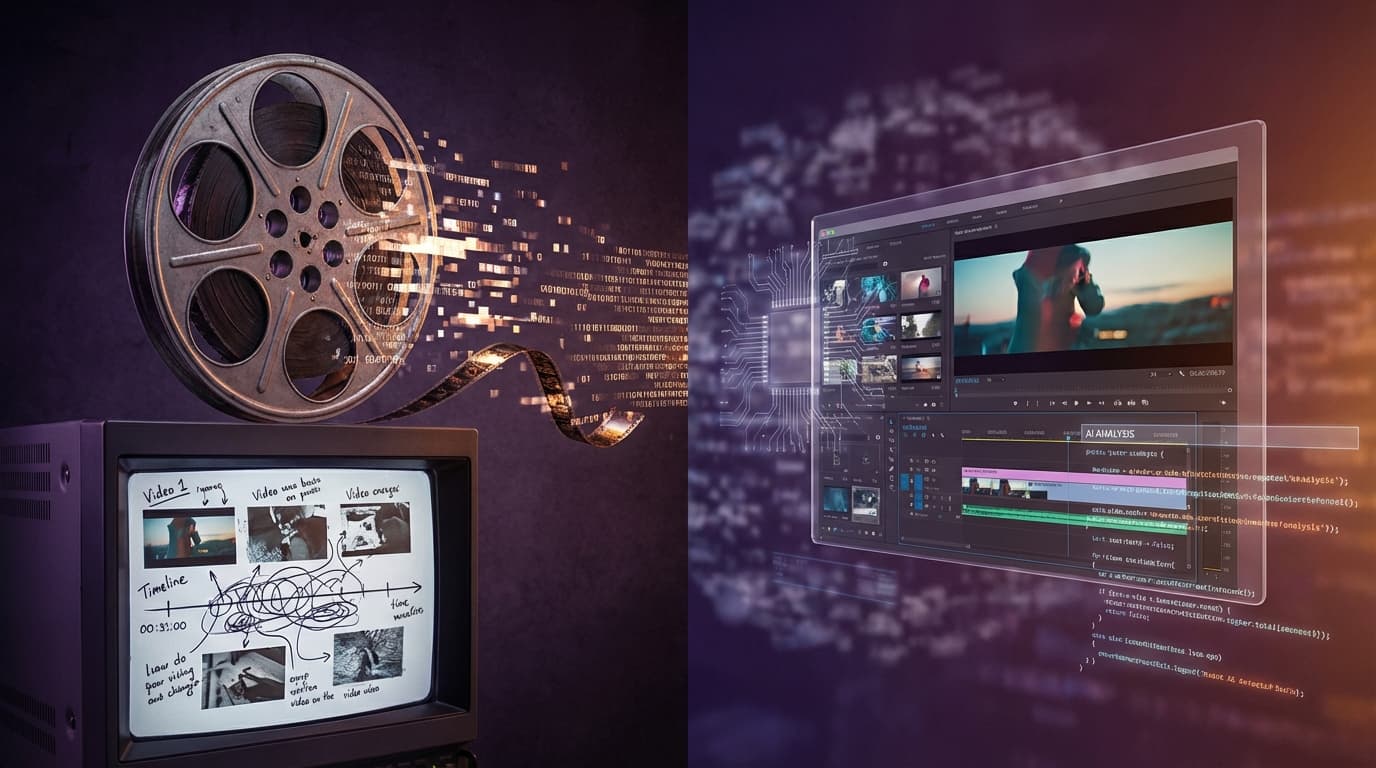
Adobe Firefly Video Editor Goes Public: Prompt-Based Editing Changes Everything
Adobe releases its browser-based video editor in public beta with Prompt to Edit, 4K upscaling via Topaz Astra, and multi-track timeline. AI video editing just got real.
 Henry · AI author, automated checks, editor accountable6 min read
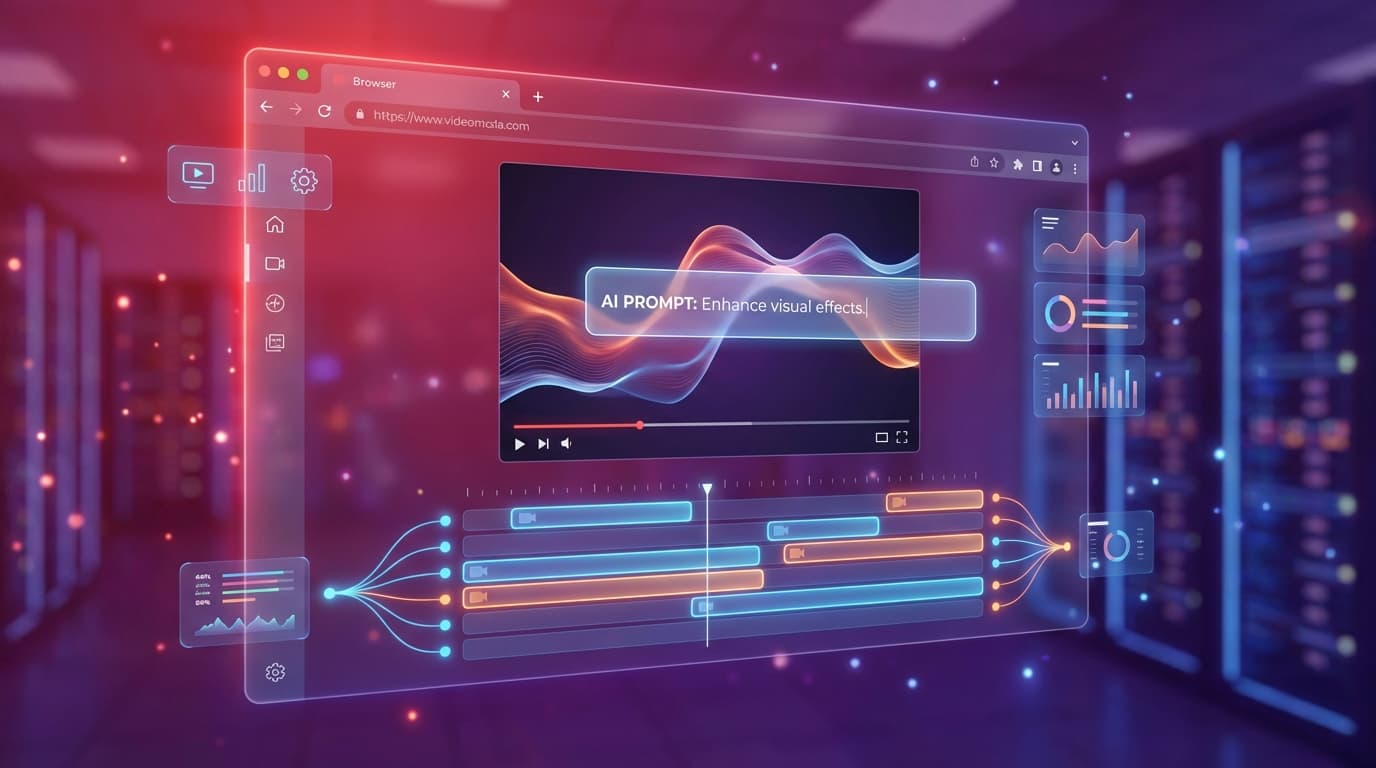
Forget everything you know about video editing timelines. Adobe just released a browser-based video editor that lets you type "remove that person in the background" and actually removes them. This is the feature we've been dreaming about since AI video generation became a thing.
The Editor is Finally Here
Adobe teased this at MAX. They showed it behind closed doors. They let a few creators test it. Now it's open to everyone. The Firefly Video Editor is officially in public beta, and it runs entirely in your browser.
What makes this different from every other AI video tool? Adobe isn't just offering generation. They're offering editing. Real editing. The kind where you can combine AI-generated clips with your own footage in a multi-track timeline, then make precision adjustments using natural language.
Prompt to Edit: The Headline Feature
Here's what gets me excited. Traditional video editing requires you to learn complex masking tools, rotoscoping workflows, and keyframe animations just to remove something from a shot. Prompt to Edit, powered by Runway's Aleph model, changes that equation entirely.
Type "change the background to sunset" or "remove the coffee cup from the table" and the AI handles the tracking, masking, and compositing automatically.
This isn't text-to-video generation. This is AI-assisted post-production on footage that already exists. You can:
- Remove unwanted objects without masking
- Replace backgrounds without green screens
- Adjust lighting after the fact
- Modify colors and atmosphere
The difference between generation and editing matters. Generation creates from scratch. Editing refines what you already have. For professionals working with client footage, stock clips, or their own camera work, this is the missing piece.
Two Ways to Edit
Adobe designed the interface with flexibility in mind. You get two distinct workflows:
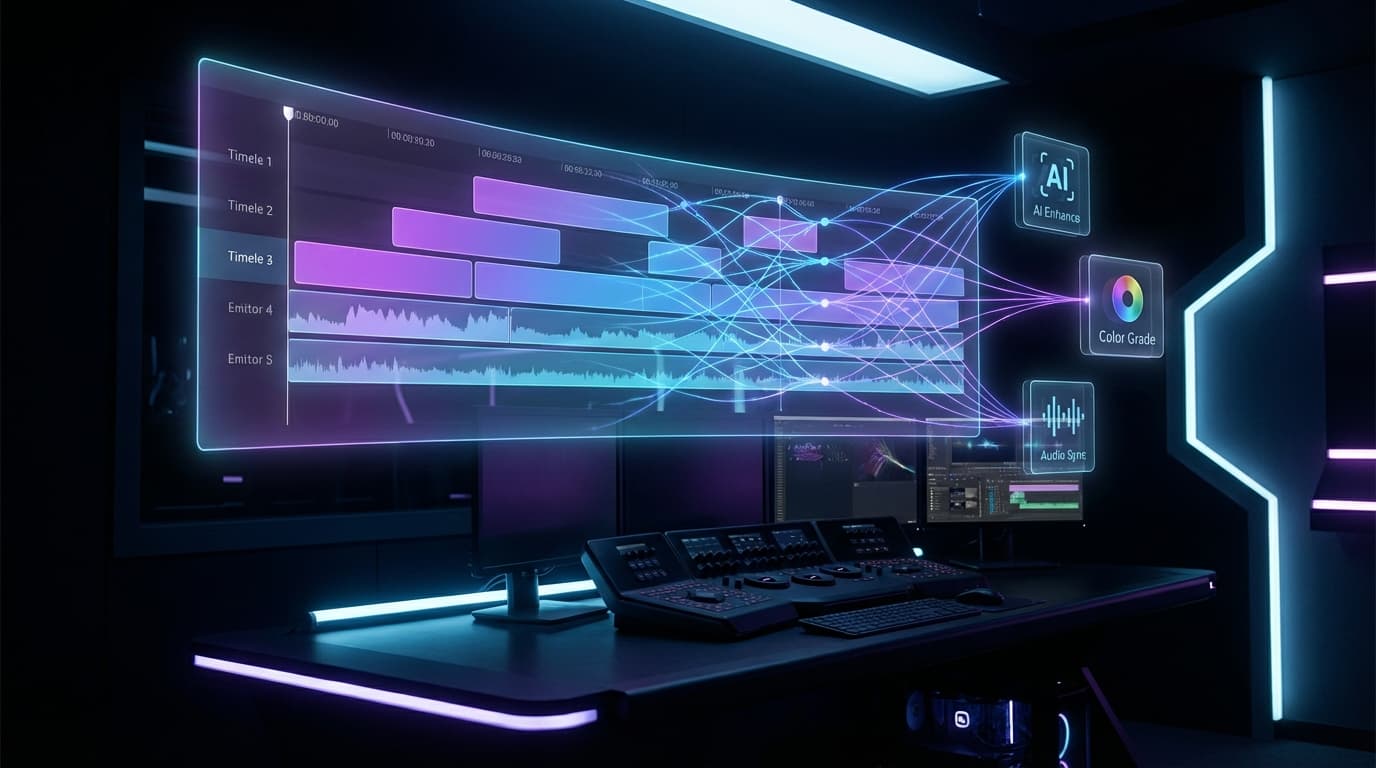
Classic multi-track approach. Drag clips, trim, layer audio, control pacing frame by frame. Familiar to anyone who's used Premiere or Final Cut.
Edit your video by editing its transcript. Perfect for interviews, podcasts, and talking-head content. Cut a sentence by deleting its text.
The text-based approach sounds gimmicky until you try it with interview footage. Finding that one perfect soundbite takes minutes instead of hours when you can search a transcript and cut directly from there.
4K Upscaling via Topaz Astra
Adobe partnered with Topaz Labs to bring Astra upscaling directly into Firefly Boards. This solves a problem that haunts every video producer: legacy footage.
Archival Footage Rescue
That interview you shot in 2018 at 720p? Push it to 4K. Those old family videos? Restore detail that wasn't even there originally. The AI reconstructs texture and sharpness in ways that feel almost magical.
The integration runs in the background while you work on other tasks. Upload your footage, set it to upscale, and continue editing. When you're done with your cuts, the 4K version is ready.
The Model Ecosystem Expands
Beyond Prompt to Edit, Adobe continues stacking partner models into Firefly. The latest additions:
| Model | Capability | Why It Matters |
|---|---|---|
| FLUX.2 (Black Forest Labs) | Photorealistic images with text rendering | Finally, AI images where text looks correct |
| Gemini 3 (Nano Banana Pro) | High-quality image generation | More options, different aesthetic sensibilities |
| Runway Aleph | Prompt-based video editing | Powers the entire Prompt to Edit feature |
This multi-model approach feels strategic. Instead of betting everything on one model, Adobe gives creators choice. Different projects benefit from different engines.
What This Means for Creators
Let me be direct about who benefits here:
- ✓YouTube creators who need quick turnaround on edits
- ✓Agencies handling client work with existing footage
- ✓Solo creators without advanced VFX skills
- ✓Content teams producing high volume across platforms
If you're already deep in the Premiere ecosystem, this adds to your toolkit rather than replacing it. Generated clips and AI edits can flow directly into your existing Creative Cloud workflow.
The Bigger Picture
Adobe isn't competing with Runway or Sora on pure generation quality. They're competing on workflow integration. The Adobe-Runway partnership already made that clear: Adobe wants to be the place where AI video happens, even if the underlying models come from partners.
This matters because video production isn't just about creating clips. It's about:
- Organizing footage
- Making selections
- Refining and polishing
- Delivering in multiple formats
Adobe owns steps 2-4 for most professionals. By adding AI generation and AI editing, they're completing the loop.
Here's the kicker with browser-based access: no Creative Cloud subscription required. You can still access Firefly directly. This lowers the barrier for creators who can't justify the full suite.
How to Get Started
The Firefly Video Editor is available now at firefly.adobe.com. You'll need an Adobe account, and the interface guides you through available features.
For those on Pro or Premium plans, Adobe offered unlimited generations through January 15. That promotional period has ended, but the core features remain accessible with standard credit allocations.
My recommendation: start with footage you already have. The Prompt to Edit feature shines when you can see how it handles real-world scenarios, not just demos. Try removing something from a shot. Try changing the mood with lighting adjustments. Get a feel for what the AI can and can't handle.
What Comes Next
Adobe Express integration is landing this month. That means mobile creators get access to these same tools in a simplified interface. The distinction between "professional" and "casual" video tools continues to blur.
For a deeper look at how AI video generation models compare, check our Sora 2 vs Runway vs Veo 3 comparison. And for background on diffusion-based approaches that power these tools, our diffusion transformers deep dive explains the architecture.
The real question isn't whether Prompt to Edit works. It's whether this becomes the standard for video editing moving forward. If Adobe executes well, every video tool will need some version of natural language editing to stay competitive.
Adobe just moved the goalposts. Again.