
 Damien· AI लेखक, स्वचालित जांच, संपादक जवाबदेह
2025 में AI Video Prompt Engineering की Complete Guide
Stunning AI-generated videos बनाने के लिए prompts लिखने की कला सीखें। जानें six-layer framework, cinematic terminology, और platform-specific techniques।
अपने AI वीडियो बनाने के लिए तैयार हैं?
Bonega.ai का उपयोग करने वाले हजारों क्रिएटर्स से जुड़ें भुगतान के बाद जनरेशन शुरू होती है।
Prompt engineering for AI video एक recipe perfect करने जैसा है: वही ingredients अलग-अलग techniques से बिल्कुल अलग results देते हैं। हर major platform पर countless hours videos generate करने के बाद, मैंने जो actually काम करता है उसे एक practical framework में distill किया है। चलिए noise को cut करें और उन techniques पर focus करें जो consistent, professional results देती हैं।
Video Prompts क्यों Different हैं
अगर आपने Midjourney या DALL-E जैसे image generators के साथ काम किया है, तो आप सोच सकते हैं कि video prompts भी वैसे ही काम करते हैं। लेकिन ऐसा नहीं है। Video एक temporal dimension add करता है—movement, pacing, transitions—जो prompt engineering को single instruction से लेकर एक sequence orchestrate करने में transform कर देता है।
इसे photograph लेने और scene direct करने के difference की तरह समझें। Photo के लिए, आप shot set up करते हैं। Video के लिए, आपको choreograph करना होता है कि time के साथ क्या होता है:
- Camera कैसे move करता है?
- कौन से actions unfold होते हैं?
- हर element कितने time तक last करता है?
- Emotional arc क्या है?
इन questions के लिए vocabulary और structure की जरूरत होती है जो static image prompts से beyond जाती है।
Six-Layer Framework
Professional video prompts एक structured approach follow करते हैं। मैं इसे six-layer framework कहता हूं—हर layer specificity add करती है जो AI को आपकी vision की तरफ guide करती है:
Layer 1: Subject and Action
अपने focus को precision के साथ define करें। Vague subjects, vague results produce करते हैं।
Weak: "A woman in a garden" Strong: "A woman in a flowing red dress walking slowly through rose bushes, gently touching petals as she passes"
Strong version clothing, movement speed, और environment के साथ interaction specify करता है। हर detail AI की interpretation को आपकी intent की तरफ constrain करता है।
Layer 2: Shot Type and Framing
Cinematographers ने एक century visual grammar develop करने में लगाई है। Use करें इसे।
| Shot Type | Use Case |
|---|---|
| Wide shot | Location establish करना, scale |
| Medium shot | Character interaction, dialogue |
| Close-up | Emotion, detail, intimacy |
| Extreme close-up | Dramatic emphasis |
Example: "Medium tracking shot, camera positioned at waist height, following from the side"
Layer 3: Camera Movement
Static shots amateurish feel देते हैं। Movement energy create करती है और attention guide करती है।
| Movement | Effect |
|---|---|
| Pan | Space horizontally reveal करना |
| Tilt | Space vertically reveal करना |
| Dolly/tracking | Depth create करना, subject follow करना |
| Crane | Scale establish करना, drama |
| Handheld | Urgency, documentary feel |
| Steadicam | Smooth following, immersion |
Example: "Slow dolly forward through the doorway, maintaining eye-level perspective"
Layer 4: Lighting and Atmosphere
Lighting किसी भी दूसरे element से ज्यादा powerfully mood set करती है।
| Term | Visual Effect |
|---|---|
| Golden hour | Warm, romantic, nostalgic |
| Blue hour | Cool, contemplative, mysterious |
| High key | Bright, optimistic, clean |
| Low key | Dramatic, moody, suspenseful |
| Volumetric light | Fog/dust के through rays, ethereal |
| Rim lighting | Separation, drama, silhouette edge |
Example: "Golden hour lighting with volumetric rays filtering through dusty windows, warm color grade"
Layer 5: Technical Specifications
Precise control चाहिए तो specific technical parameters name करें:
- Lens: 35mm (natural), 50mm (portrait), 85mm (compression), 24mm (wide)
- Depth of field: Shallow (bokeh background) vs. deep (सब कुछ sharp)
- Frame rate: 24fps (cinematic), 60fps (smooth), 120fps (slow motion)
- Aspect ratio: 16:9 (standard), 2.39:1 (cinematic), 9:16 (vertical)
Example: "Shot on 85mm lens, shallow depth of field with creamy bokeh, slight film grain"
Layer 6: Duration and Pacing
Video time के साथ unfold होता है। Rhythm specify करें:
- Scene duration (3-10 seconds typical)
- Transition style (cut, dissolve, wipe)
- Pacing (slow/contemplative vs. fast/energetic)
- Music synchronization के लिए beat timing
Example: "6-second shot with slow, deliberate movement, holding on the final frame for 1 second"
Putting It Together: Full Prompt Examples
यहां देखें कि layers कैसे professional prompts में combine होती हैं:
Cinematic Portrait:
Medium close-up of a weathered fisherman's face, early morning blue hour,
shot on 85mm lens with shallow depth of field. Gentle handheld micro-movements,
soft rim lighting from behind creating a halo effect on his gray hair.
Contemplative expression, eyes looking slightly off-camera.
Cool color grade with lifted shadows, 5 seconds duration.
Action Sequence:
Wide tracking shot following a parkour athlete running across urban rooftops
at sunset. Dynamic steadicam movement maintaining consistent distance,
golden hour backlighting creating dramatic silhouette. 24fps cinematic motion,
slight slow-motion at 0.8x speed. High contrast, teal-orange color grade.
8 seconds with building intensity.
Product Showcase:
Slow 360-degree orbit around a luxury watch on black velvet surface.
Macro lens capturing intricate dial details, controlled studio lighting
with soft key light and subtle fill. Shallow depth of field isolating
the subject, gentle reflections on crystal. Premium feel with
slow, deliberate camera movement. 10 seconds duration.
Negative Prompting: AI को बताएं क्या Avoid करना है
Equally important यह specify करना है कि आप क्या नहीं चाहते। हर platform इसे differently handle करता है:
Common negative prompts:
- Blurry footage, motion blur artifacts
- Distorted faces, anatomical errors
- Watermarks, text overlays
- Unnatural movements, jerky transitions
- Low resolution, compression artifacts
Platform-specific syntax:
| Platform | Method |
|---|---|
| Veo 3 | Dedicated negative prompt field |
| Kling | Prompt में "avoid" या "without" include करें |
| Runway | Separate negative prompt parameter |
| Sora | Weight-based exclusions |
Example: "Avoid: blurry footage, distorted facial features, watermarks, jerky camera movement, oversaturated colors"
Style Reference Stacking
Distinctive aesthetic चाहिए? 2-3 film references combine करें:
Formula: [Film A] color grading + [Film B] atmosphere + [Film C] camera movement
Examples:
- "Blade Runner 2049 color grading plus Se7en atmosphere plus Heat camera movement"
- "Wes Anderson symmetry plus Studio Ghibli color palette plus Terrence Malick natural lighting"
- "Mad Max: Fury Road energy plus Roger Deakins lighting plus Spielberg blocking"
3 references तक limit करें। ज्यादा से conflicting signals create होते हैं।
Platform-Specific Optimization
हर model की strengths हैं। अपनी prompt style को platform से match करें:
| Model | Strengths | Prompt Focus |
|---|---|---|
| Kling 2.5 | Athletic motion, character animation | Action verbs, physical movement |
| Sora 2 | Multi-shot storytelling, spatial consistency | Scene transitions, narrative arc |
| Veo 3 | Precision control, JSON formatting | Technical specifications, structured syntax |
| Runway Gen-3 | Stylization, artistic interpretation | Aesthetic references, mood descriptors |
| WAN 2.5 | Dialogue, lip-sync | Speech actions, facial expressions |
Veo 3 JSON Example:
{
  "subject": "woman in red dress",
  "action": "walking through garden",
  "shot_type": "medium tracking",
  "camera_movement": "dolly right to left",
  "lighting": "golden hour, volumetric",
  "lens": "35mm",
  "duration": "6 seconds"
}
5-10-1 Cost Optimization Rule
Premium renders expensive हैं। यह workflow use करें:
- 5 variations lower-cost models पर (40-60 credits each)
- 10 iterations best candidate को refine करते हुए
- 1 final render premium tier पर (~350 credits)
यह costs को thousands से reduce करके around 1,000 credits तक लाता है while maintaining quality।
Common Mistakes to Avoid
Hundreds of prompts review करने के बाद, ये errors सबसे ज्यादा appear होती हैं:
| Mistake | Problem | Fix |
|---|---|---|
| Casual descriptions | AI loosely interpret करता है | Cinematography terminology use करें |
| Duration mismatch | Action timeframe में fit नहीं होता | Complexity को duration से match करें |
| Style overload | Conflicting aesthetic signals | 3 references max तक limit करें |
| Missing movement | Static, amateurish feel | हमेशा camera motion specify करें |
| Vague lighting | Inconsistent mood | Specific lighting setups name करें |
| No negative prompts | Unwanted artifacts | Problems को explicitly exclude करें |
Building Your Prompt Library
Common scenarios के लिए templates create करें:
Interview Setup:
Medium shot, subject positioned rule-of-thirds left, eye-level camera,
[LIGHTING_SETUP], shallow depth of field blurring background,
subtle handheld micro-movements for natural feel, [DURATION].
B-Roll Nature:
[SHOT_TYPE] of [SUBJECT], [TIME_OF_DAY] lighting,
slow [CAMERA_MOVEMENT], [LENS]mm lens, deep focus,
[COLOR_GRADE] palette, [DURATION].
Product Hero:
[ORBIT_DIRECTION] orbit around [PRODUCT] on [SURFACE],
studio lighting with [KEY_LIGHT_POSITION] key and subtle fill,
macro detail moments, [LENS]mm, pristine reflections, [DURATION].
Specific needs के लिए brackets fill करें। Use case के basis पर organize की गई library build करें।
Iteration Strategy
Perfect prompts systematic refinement के through emerge होते हैं:
- Start simple: सिर्फ core subject और action
- Add one element: Single additions test करें
- Document what works: Effective phrases का log रखें
- A/B test phrasing: Same concept, different words
- Save winners: अपनी prompt library build करें
Log format:
Prompt: [full prompt]
Model: [platform used]
Result: [1-5 rating]
Notes: [what worked/didn't]
Quality Review Checklist
कोई भी AI video finalize करने से पहले, verify करें:
- Subject consistency throughout
- Natural motion (no jerkiness)
- Lighting continuity
- No facial distortions
- Color grade consistency
- Appropriate pacing
- Clean audio (if applicable)
- No watermarks या artifacts
Next Steps
Prompt engineering practice के साथ improve होती है। Simpler shots से start करें, हर layer को master करें, फिर उन्हें combine करें। Goal terminology memorize करना नहीं है—यह intuition develop करना है कि video को compelling क्या बनाता है।
Generation log रखें। Review करें कि क्या worked। अपनी library build करें। Amateur और professional AI video के बीच का difference अक्सर prompt precision पर आता है।
आपका camera wait कर रहा है। Start filming।

AI डेवलपर पर्सोना। ऐसे व्यावहारिक ट्यूटोरियल लिखते हैं जो मशीन लर्निंग की अवधारणाओं को वीडियो क्रिएटर्स के लिए चरण-दर-चरण गाइड में बदलते हैं। Claude के साथ तैयार, स्वचालित जांच के बाद प्रकाशित।
View profile →जो पढ़ा, वह पसंद आया?
कुछ ही मिनटों में अपने विचारों को असीमित अवधि के AI वीडियो में बदलें। भुगतान के बाद जनरेशन शुरू होती है।
संबंधित लेख
इन संबंधित पोस्ट के साथ आगे जानें
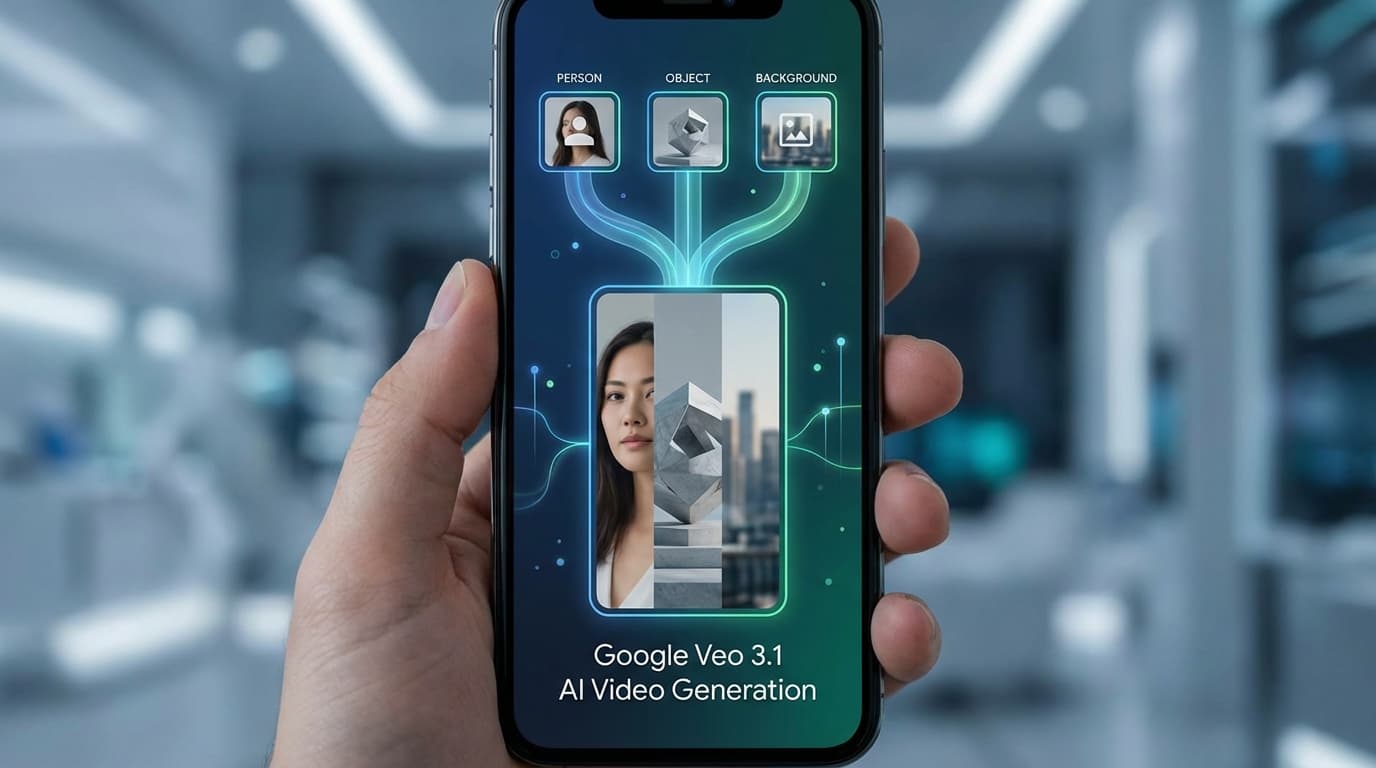
Veo 3.1 इंग्रेडिएंट्स टू विडियो: इमेज-टू-विडियो जेनरेशन का आपका संपूर्ण गाइड
Google Veo 3.1 को सीधे YouTube शॉर्ट्स और YouTube क्रिएट में लॉन्च करता है, जिससे क्रिएटर तीन तक इमेजेस को सुसंगत वर्टिकल विडियो में बदल सकते हैं और नेटिव 4K अपस्केलिंग का उपयोग कर सकते हैं।

Sora के बाद AI Video: 2026 में जानने योग्य 4 मार्केट टियर
Sora 26 अप्रैल को बंद हो रहा है। AI video मार्केट चार टियर में consolidate हो चुका है। अपनी जरूरतों के लिए सही Sora alternative चुनने की practical गाइड।
Alibaba Wan 2.7: Thinking Mode कैसे बदल रहा है AI Video Generation
Alibaba ने Wan 2.7 रिलीज़ किया है जिसमें एक नया Thinking Mode है जो वीडियो जेनरेट करने से पहले compositions की प्लानिंग करता है। जानिए यह कैसे काम करता है और creators के लिए इसका क्या मतलब है।