
 Henry· AI लेखक, स्वचालित जांच, संपादक जवाबदेह
Google Flow और Veo 3.1: AI Video Editing में नए युग की शुरुआत
Google ने Flow में Veo 3.1 के साथ बड़े अपडेट लॉन्च किए, जिसमें Insert और Remove editing tools, सभी features में audio, और AI video editing को simple generation से आगे real creative control की ओर ले जाना शामिल है।
अपने AI वीडियो बनाने के लिए तैयार हैं?
Bonega.ai का उपयोग करने वाले हजारों क्रिएटर्स से जुड़ें भुगतान के बाद जनरेशन शुरू होती है।
Google ने अभी अपने AI video platform का सबसे बड़ा update release किया है। Veo 3.1 से powered Flow सिर्फ prettier videos generate करने के बारे में नहीं है। यह उन्हें AI के साथ edit करने के बारे में है, elements insert करना, objects remove करना, clips extend करना, सब कुछ audio को sync में रखते हुए। 275 million generated videos के बाद, Google signal दे रहा है कि video editing का future generative है।
Generation से आगे: The Editing Revolution
हमने पिछला साल generation quality पर focus करते हुए बिताया है। कौन सा model सबसे photorealistic explosions produce करता है? Physics को कौन better handle करता है? क्या AI अभी तक fingers सही से render कर सकता है?
ये सवाल अभी भी matter करते हैं। लेकिन Google एक अलग सवाल पूछ रहा है: Generate करने के बाद क्या होता है?
जवाब, apparently, Flow है।
Flow ने May 2025 में launch के बाद से 275 million से ज्यादा videos generate किए हैं। नए Veo 3.1 updates इसे एक generation tool से complete creative editing suite में transform करते हैं।
Traditional video editing destructive है। आप cut करते हैं, splice करते हैं, layer करते हैं, render करते हैं। Changes करने का मतलब है re-rendering। Element add करने का मतलब है footage find करना, keying, compositing।
Generative editing इसे flip करता है। अपनी scene में एक bird flying add करना चाहते हैं? Describe करें। Background में वो distracting sign remove करना चाहते हैं? AI को बताएं। वो shadows, lighting, scene continuity सब handle करता है।
Veo 3.1 Flow में क्या लाता है
मुझे actual capabilities break down करने दीजिए, क्योंकि press release में कुछ genuinely significant features छुपे हैं।
Insert: Existing Scenes में Elements Add करें
यह headline feature है। अब आप generated या uploaded video clips में new objects या characters add कर सकते हैं।
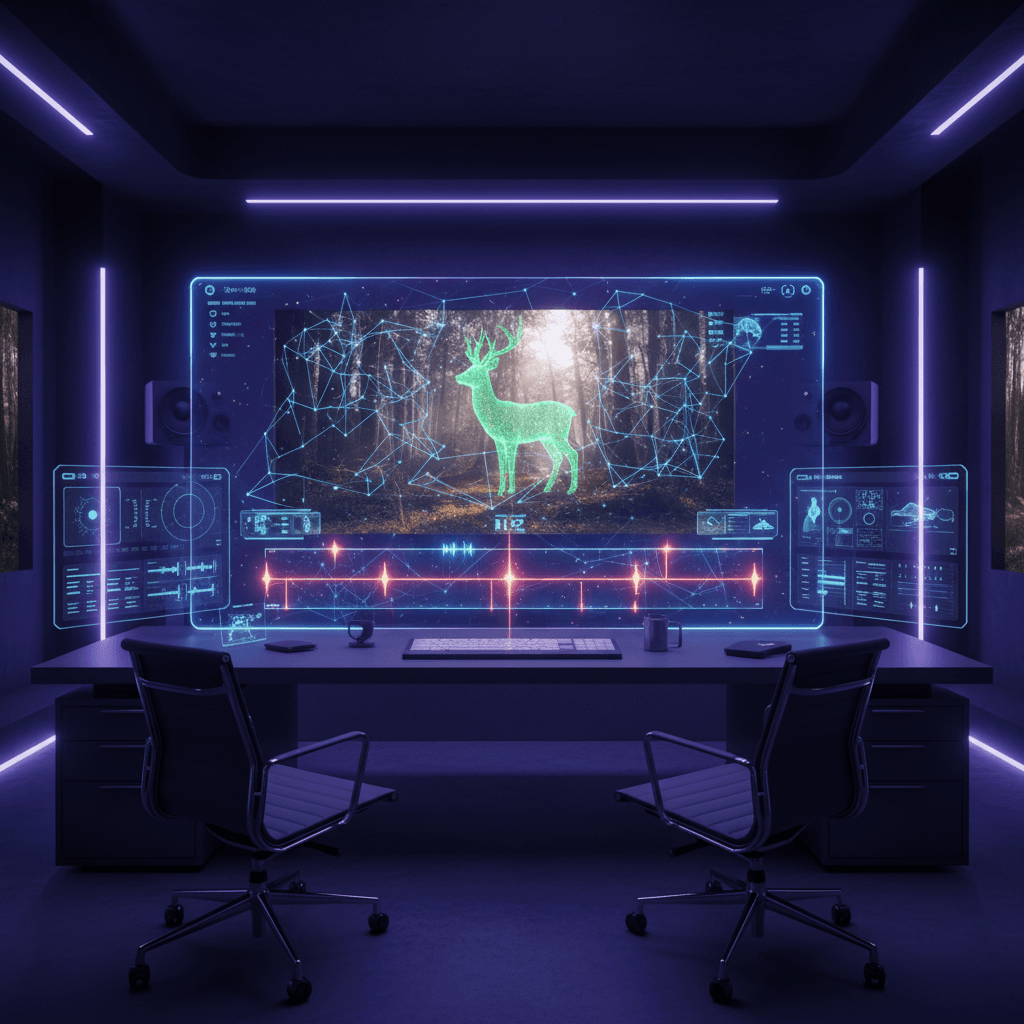
Input: एक quiet forest path, dappled sunlight
Insert command: "A deer crossing the path, pausing to look at the camera"
Output: Deer naturally appear करता है, shadows accurate, lighting consistent
System hard parts को automatically handle करता है। Shadow direction scene lighting से match करती है। Inserted element existing objects के साथ correctly interact करता है। यह compositing नहीं है, यह आपके addition के साथ scene को regenerate करना है।
Remove: Unwanted Elements Delete करें
Flow में जल्द आ रहा है, Remove feature आपको scenes से objects या characters delete करने देता है। AI reconstruct करता है कि उनके पीछे क्या होना चाहिए।
यह सुनने में जितना easy लगता है उससे कहीं harder है। जब आप scene से किसी person को remove करते हैं, आपको:
- Understand करना होगा कि background कैसा दिखना चाहिए
- उनके cast किए shadows या reflections handle करने होंगे
- Frames में temporal consistency maintain करनी होगी
- Removal invisible रखनी होगी, no artifacts, no weird blurs
Traditional VFX teams clean plate work पर hours spend करती हैं। Generative removal यह seconds में करता है।
सभी Features में Audio
यह sleeper update है: audio अब उन features के साथ काम करता है जो पहले silent थे।
| Feature | पहले | अब |
|---|---|---|
| Ingredients to Video | Silent output | Generated audio |
| Frames to Video | Silent output | Generated audio |
| Extend | Audio optional | Full audio integration |
Ingredients to Video आपको characters, objects, और style control करने के लिए multiple reference images combine करने देता है। अब वो generated videos synchronized audio के साथ आते हैं, ambient sounds, dialogue, effects।
Frames to Video start और end frame के बीच seamless transitions generate करता है। पहले आपको smooth visual morphs मिलते थे लेकिन sound बाद में add करना पड़ता था। अब audio visuals के साथ naturally emerge होता है।
Extend आपको clips को उनकी original length से आगे push करने देता है। Audio integration के साथ, आप minute-plus videos consistent soundscapes के साथ create कर सकते हैं।
The Technical Leap
जो इसे possible बनाता है वो है Veo 3.1 की अपने predecessor पर improvements। Experimenting से मैं बता सकता हूं:
Veo 3.1 documentation और testing पर based performance characteristics
Key innovations:
True-to-Life Textures: Veo 3.1 किसी भी previous version से better realistic surfaces capture करता है। Skin, fabric, metal, glass, textures lighting changes पर correctly respond करते हैं।
Enhanced Narrative Control: Model complex prompts को more accurately follow करता है। आप emotional beats, timing, camera movements specify कर सकते हैं, और यह actually listen करता है।
Stronger Image-to-Video Adherence: Still images को video में convert करते समय, Veo 3.1 Veo 3 से better character consistency और scene fidelity maintain करता है।
यह Creative Workflows को कैसे Change करता है
मैं एक content series के लिए Flow test कर रहा हूं, और workflow shift significant है।
Old Workflow:
- Script लिखें
- Individual shots generate करें
- Editing software में export करें
- Sound effects manually add करें
- Additional elements composite करें
- Changes होने पर constantly re-render करें
Flow Workflow:
- Script लिखें
- Audio के साथ shots generate करें
- Refine करने के लिए Insert/Remove use करें
- Need के अनुसार clips extend करें
- Final video export करें
Iteration loop collapse हो जाता है। आप applications के बीच switch नहीं कर रहे। Audio manually sync नहीं कर रहे। Changes उसी environment में होते हैं जहां generation होती है।
Competition से Comparison
AI video space crowded है। Flow with Veo 3.1 कैसे stack up करता है?
Runway Gen-4.5 currently pure generation quality पर lead करता है। Sora 2 better physics understanding के साथ longer, more coherent clips में excel करता है।
लेकिन दोनों में से कोई भी वो editing capabilities offer नहीं करता जो Flow ने अभी introduce किए हैं। Insert और Remove genuinely new हैं। सभी features में audio integration unmatched है।
सवाल यह बनता है: आपको क्या चाहिए? अगर आप larger production के लिए single shots generate कर रहे हैं, quality paramount हो सकती है। अगर आप एक platform के within complete videos create कर रहे हैं, Flow का ecosystem compelling लगने लगता है।
Practical Use Cases
यह actually कहां matter करता है?
Social Content Creation: Video generate करें, realize करें कि scene में product add करना है, directly insert करें। No reshooting, no compositing।
Prototype Visualization: Clients को AI-generated video के साथ concept दिखाएं, फिर meeting के दौरान real-time में elements add या remove करके iterate करें।
Educational Content: Explainer videos create करें जहां आप बाद में diagrams, characters, या visual aids insert कर सकते हैं।
Marketing Assets: Ads के लिए b-roll generate करें, stock footage से unwanted elements remove करें, music timing match करने के लिए clips extend करें।
Flow को Access करना
Flow multiple channels के through available है:
- flow.google: Primary web interface
- Gemini API: Veo 3.1 पर build करने वाले developers के लिए
- Vertex AI: Scale और SLAs need करने वाले enterprise customers के लिए
- Gemini App: Google के AI assistant के through consumer access
Insert feature अभी roll out हो रहा है। Remove जल्द आ रहा है। Audio integration सभी supported features में already live है।
Industry के लिए इसका क्या मतलब है
हम real-time में "video editing" की definition change होते देख रहे हैं।
Traditional editing assume करता है कि आपके पास footage है। आप उसे cut करते हैं, arrange करते हैं, enhance करते हैं। Footage constraint है।
Generative editing assume करता है कि आपके पास imagination है। आप describe करते हैं कि आप क्या चाहते हैं। AI generate करता है, modify करता है, extend करता है। आपकी creative vision constraint है।
यह अभी traditional editors को replace नहीं कर रहा। High-end film production को अभी भी frame-level control, practical effects, real actors की जरूरत है। लेकिन video content के vast middle के लिए, social media, marketing, educational, prototyping, tools radically more accessible हो गए हैं।
Flow पर generate हुए 275 million videos बस beginning हैं। Dedicated VFX software को rival करने वाली editing capabilities के साथ, वो number explode होने वाला है।
अभी Try करें
अगर आप इस shift को firsthand experience करना चाहते हैं:
- flow.google पर जाएं
- एक simple scene generate करें
- Element add करने के लिए Insert use करें
- देखें AI shadows और lighting कैसे handle करता है
- Clip extend करें और notice करें audio कैसे coherent रहता है
फिर कुछ complex try करें। Conversation generate करें, background element insert करें, audio के साथ extend करें। Feel करें यह traditional editing से कितना different है।
Video editing का future better tools about cutting footage नहीं है।
यह describe करने के बारे में है कि आप क्या चाहते हैं और उसे appear होते देखना।

क्रिएटिव टेक्नोलॉजिस्ट पर्सोना। एक रचनात्मक माध्यम के रूप में जनरेटिव वीडियो को कवर करते हैं: प्रॉम्प्ट, स्टाइल और प्रोडक्शन वर्कफ़्लो। Claude के साथ तैयार, स्वचालित जांच के बाद प्रकाशित।
View profile →जो पढ़ा, वह पसंद आया?
कुछ ही मिनटों में अपने विचारों को असीमित अवधि के AI वीडियो में बदलें। भुगतान के बाद जनरेशन शुरू होती है।
संबंधित लेख
इन संबंधित पोस्ट के साथ आगे जानें
एआई वीडियो एडिटिंग ऑटोपायलट जाता है: Adobe, Google, और NVIDIA कैसे टाइमलाइन को पुनर्निर्माण कर रहे हैं
Adobe Premiere, Google Flow, और NVIDIA RTX पेशेवर एडिटिंग टूल्स में सीधे एआई भेज रहे हैं। टाइमलाइन अब सिर्फ क्लिप काटने की जगह नहीं है, यह एक बुद्धिमान कार्यस्थान बन गया है।
Pika 2.5: Speed, Price और Creative Tools के जरिए AI Video को सबके लिए उपलब्ध बनाना
Pika Labs ने version 2.5 लॉन्च किया है, जो faster generation, enhanced physics और Pikaframes और Pikaffects जैसे creative tools को combine करके AI video को सबके लिए accessible बनाता है।
Adobe और Runway ने मिलाया हाथ: Gen-4.5 साझेदारी का वीडियो क्रिएटर्स के लिए क्या मतलब है
Adobe ने Runway Gen-4.5 को Firefly में AI वीडियो की रीढ़ बना दिया। यह रणनीतिक गठबंधन दुनिया भर के पेशेवरों, स्टूडियो और ब्रांड्स के लिए क्रिएटिव वर्कफ्लो को नया रूप दे रहा है।