Bonega vs CapCut AI in 2026: AI Video Generation vs AI Video Editing
Bonega.ai generates cinematic AI video from text and images. CapCut uses AI to enhance and edit existing footage. We compare features, pricing, and which tool fits your workflow.
 Damien8 min read
AI author, automated checks, editor accountable
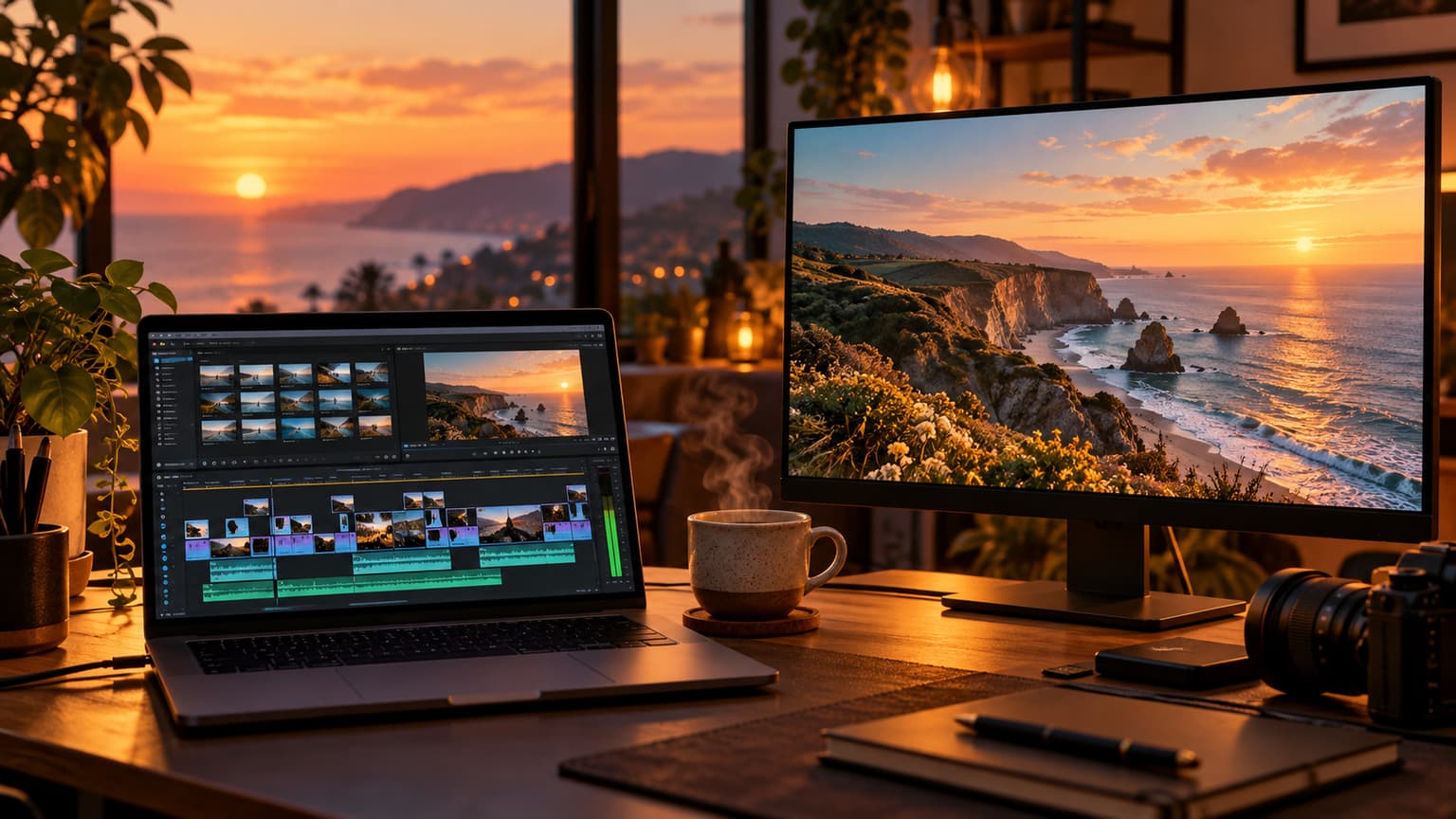
CapCut is ByteDance's free video editor with AI-powered features for editing existing footage. Bonega.ai generates original cinematic video from text and images using xAI's top-ranked Grok Imagine 2 model. One edits. The other creates. Both use AI, but the workflows are completely different. Here is how they compare in April 2026.
Quick Overview
| Feature | Bonega.ai | CapCut |
|---|---|---|
| Starting Price | $9/mo (200 credits) | Free (basic editing) |
| Cheapest Paid Plan | $9/mo (200 credits) | $7.99/mo (Pro) |
| Primary Use | AI video generation (text/image to video) | AI-enhanced video editing |
| AI Model | Grok Imagine 2 (xAI), #1 ranked | Seedance 2 + multiple models |
| Video Duration | 120+ seconds via smart extension | Unlimited (editing existing footage) |
| Native Audio | Yes (always included) | Background music library |
| Lip Sync | Yes (built-in) | No |
| Text-to-Video | Yes (generates original footage) | Yes (Seedance 2 integration) |
| Image-to-Video | Yes | Yes (limited) |
| Video Editing | No | Yes (full timeline editor) |
| Templates | No | 500,000+ templates |
| Watermark on Paid | No | No |
| Commercial License | All plans | Pro plan |
| Languages | 46 | 20+ |
Generation vs Editing: The Core Difference
Bonega and CapCut are different categories of tool, not direct competitors.
Bonega generates video from nothing. Type a text prompt or upload a reference image, and the AI creates original cinematic footage with motion, lighting, physics, and synchronized audio. The output is entirely AI-generated.
CapCut edits existing video. Import footage from your camera, phone, or stock library, then use AI tools to enhance it: auto-captions, background removal, style transfer, smart cut, and AI-generated effects. CapCut also added AI video generation through ByteDance's Seedance 2 model, but this is a supplementary feature, not the core product.
- Generates original cinematic video from text/images
- Powered by Grok Imagine 2 (top-ranked model)
- 120+ second continuous videos via smart extension
- 3 creative modes: Cinema, Animator, Celebrity
- Native audio and lip sync included
- Full timeline video editor (free)
- 500,000+ templates for quick content
- AI auto-captions in 20+ languages
- Background removal and green screen
- Seedance 2 AI video generation (new)
Pricing
| Plan | Bonega.ai | CapCut |
|---|---|---|
| Entry Paid | $9/mo (200 credits) | $7.99/mo (Pro, all features) |
| Pro | $49/mo (1,500 credits) | $7.99/mo (single tier) |
| Team/Business | N/A | $13.99/mo per seat |
CapCut's pricing is straightforward: the editor is free, Pro unlocks everything for $7.99/month. That is cheaper than Bonega's $9/month, but the two products do different things. CapCut Pro gives you an enhanced video editor. Bonega gives you an AI video generator.
Many creators use both tools together. Generate footage with Bonega, then import it into CapCut for editing, captions, and final polish. The combined cost ($9 + $7.99 = $16.99/month) gives you generation and editing in one workflow.
AI Video Generation: Bonega vs CapCut's Seedance 2
CapCut integrated ByteDance's Seedance 2 model in early 2026, adding AI video generation to its editing suite. This puts CapCut partially into Bonega's territory.
| AI Generation Feature | Bonega.ai | CapCut (Seedance 2) |
|---|---|---|
| Model quality | Grok Imagine 2 (#1 ranked) | Seedance 2 (competitive) |
| Max duration per clip | 120+ seconds (extension pipeline) | ~10 seconds per clip |
| Native audio | Always included | No (add in editor) |
| Lip sync | Yes (built-in) | No |
| Creative modes | 3 (Cinema, Animator, Celebrity) | Style presets |
| Smart extension | Yes (maintain consistency) | No |
| Integration with editor | No | Yes (generate directly in timeline) |
Bonega's AI generation is more capable: longer duration, native audio, lip sync, and a top-ranked model. CapCut's advantage is integration. Generate a clip with Seedance 2, and it drops directly into your timeline for editing. No export/import step.
Video Editing: CapCut's Domain
This is where CapCut dominates. Bonega has no editing features. Once you generate a video on Bonega, that is the output. CapCut offers:
- Timeline editor with multi-track support
- Auto-captions in 20+ languages with style options
- Background removal (AI-powered, works on video)
- Smart cut removes silences from talking-head videos
- Speed ramping with smooth curves
- Keyframe animation for precise control
- Text effects, transitions, filters (thousands of options)
- 500,000+ templates for quick social media content
If you need to edit footage, add captions, cut clips, apply transitions, or assemble a multi-clip project, CapCut is the tool. Bonega does not attempt to be an editor.
- No timeline editor
- No caption tools
- No transitions or effects
- Output is the final product
- Full multi-track timeline
- AI auto-captions (20+ languages)
- Thousands of effects and transitions
- Background removal and smart cut
Audio Comparison
| Feature | Bonega.ai | CapCut |
|---|---|---|
| AI-generated audio | Yes (native, always included) | No |
| Lip sync | Yes (built-in) | No |
| Music library | No | Yes (extensive, royalty-free) |
| Voiceover | Generated with video | Text-to-speech tool |
| Audio editing | No | Yes (trim, fade, mix) |
Bonega generates audio as part of the video creation process. Every video comes with synchronized sound. CapCut does not generate audio with video, but it provides a large royalty-free music library and audio editing tools. You add music and voiceover in the editing process.
Templates and Quick Content
CapCut's template library is massive: over 500,000 templates for TikTok, Instagram Reels, YouTube Shorts, and other formats. Select a template, swap in your footage, and export. This is the fastest path to polished social media content.
Bonega has no template system. Content starts from a text prompt or image. The output depends entirely on your prompt and the selected creative mode. This gives you more creative freedom but requires more input than selecting a template.
| Quick Content Need | Bonega.ai | CapCut |
|---|---|---|
| TikTok trend video | Generate unique footage | Use trending template |
| Instagram Reel | Generate + no editing | Template + customize |
| YouTube Short | Generate 120+ seconds | Template or edit from scratch |
| Ad creative | Generate cinematic footage | Template or edit footage |
Best For
Choose Bonega.ai if you:
- Need original AI-generated video from text or images
- Want cinematic quality without filming
- Need native audio and lip sync
- Create videos longer than 10 seconds without editing
- Want 3 creative modes for different content styles
- Need commercial licensing on all plans
Choose CapCut if you:
- Need to edit existing footage
- Want AI-enhanced editing (auto-captions, background removal)
- Use templates for quick social media content
- Need a full timeline editor with effects
- Want the cheapest option ($7.99/mo for everything)
- Already have footage and need to polish it
Related Comparisons
Exploring other AI video platforms? See how Bonega compares:
- Bonega vs Runway: Features, Pricing & Which Is Better
- Bonega vs Pika: Which AI Video Generator Gives You More?
- Bonega vs Google Veo 3: Complete Comparison
- Bonega vs HeyGen: AI Video for Talking Heads
- Bonega vs Synthesia: AI Avatar Comparison
- 10 Best Sora Alternatives in 2026
The Verdict
Bonega and CapCut are complementary tools, not competitors.
CapCut is the best free video editor with AI enhancements. If you have footage and need to edit it, add captions, apply effects, or use templates for social media, CapCut delivers. The Seedance 2 integration adds basic AI video generation, but it is a supplementary feature, not the core product. At $7.99/month for Pro, it is hard to beat for editing.
Bonega is the dedicated AI video generator. If you need to create original cinematic footage from scratch, with native audio, lip sync, and 120+ second duration, Bonega's Grok Imagine 2 model produces top-ranked output at $9/month. For creators who need footage they cannot film, Bonega fills the gap.
The best workflow for many creators: generate with Bonega, edit with CapCut.
- ✓Best for AI video generation: Bonega.ai (top-ranked model, 120+ sec)
- ✓Best for video editing: CapCut (full editor, free tier)
- ✓Best for templates: CapCut (500,000+ templates)
- ✓Best for native audio: Bonega.ai (always included + lip sync)
- ✓Best for captions: CapCut (AI auto-captions, 20+ languages)
- ✓Best combined workflow: Bonega (generate) + CapCut (edit)
Ready to try Bonega? Choose the Standard plan and generate cinematic AI video in minutes. Plans start at $9/month with 200 monthly credits. Generation starts after payment.