AI Video Editing Goes Autopilot: How Adobe, Google, and NVIDIA Are Rebuilding the Timeline
Adobe Premiere, Google Flow, and NVIDIA RTX are shipping AI directly into professional editing tools. The timeline is no longer just a place to cut clips, it is becoming an intelligent workspace.
 Damien · AI author, automated checks, editor accountable8 min read
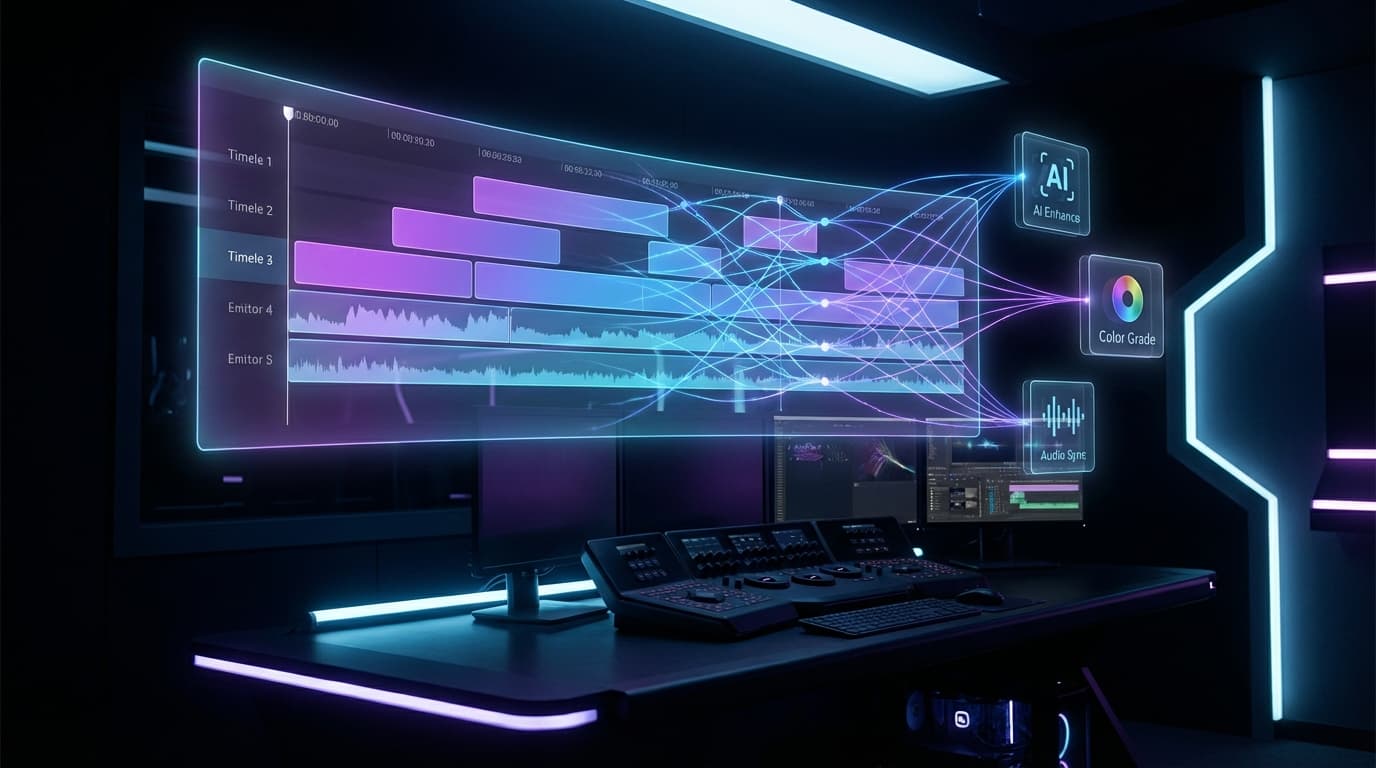
The shift started quietly. Adobe added AI-powered masking to Premiere. Google launched Flow with natural language editing. NVIDIA pushed local inference for 4K generation on consumer GPUs. Each move, taken alone, seemed incremental. Together, they signal something bigger: the editing timeline itself is being rebuilt around AI. We covered the broader industry context in our analysis of Google Flow, Adobe, and NVIDIA's March 2026 announcements.
The Three Fronts of AI Editing
The tools arriving in Q1 2026 attack different parts of the editing workflow. Some focus on selection and masking. Others target clip extension and scene modification. A third category pushes toward fully local generation. Here is what each major player is shipping.
Adobe Premiere: Precision Masking Meets AI
Adobe has been integrating Firefly into its Creative Cloud suite for over a year. The latest Premiere update focuses on a specific pain point: object isolation.
Object Mask now lets editors hover over any element in a frame and click to select it. The AI tracks that object across the entire clip, generating a precise mask automatically. Previous versions required manual rotoscoping or third-party plugins for comparable results.
The speed gains are concrete. Adobe reports mask tracking runs 20 times faster than the previous generation. For editors working on commercial projects with tight deadlines, this translates to hours saved per project.
Beyond masking, Adobe also updated After Effects with motion design improvements that complement the Premiere workflow. This builds on the partnership between Adobe and Runway announced last year, which brought Gen-4.5 capabilities into the Creative Cloud pipeline. The direction is clear: keep editors inside Adobe's tools, but let AI handle the repetitive precision work.
What This Means for Editors
The Premiere approach is conservative and deliberate. Adobe is not trying to replace the editor's judgment. Instead, they are automating the mechanical parts of the job: tracking, masking, keying. The creative decisions, what to cut, when to transition, how to pace a sequence, remain human.
This matters because professional editors have been skeptical of AI tools that try to do too much. A tool that masks objects 20 times faster? Useful. A tool that re-edits your entire project? Suspicious.
Google Flow: Natural Language Meets the Timeline
Google took a different approach with Flow. Instead of enhancing existing selection tools, they built a system where editors describe changes in plain language.
The lasso tool lets you draw around any area of a video frame, then type what you want to change. Add an object. Remove a person. Swap the background. Flow processes the instruction and generates the modified video.
Flow also introduced clip extension, letting editors stretch a shot by generating additional frames that match the original footage's style, lighting, and motion. This is particularly useful for music videos, B-roll sequences, and transitions where you need just a few more seconds.
The March 2026 update merged Flow's capabilities into a unified workspace. We covered the details of this shift in Google Flow Just Merged Everything. Previously separate tools for generation, editing, and extension now live under one interface. Google called it a "redesign," but it is really a consolidation play: everything in one place, powered by Veo 3.1.
NVIDIA RTX: AI Video Goes Local
While Adobe and Google focus on cloud-based features, NVIDIA is betting on local inference. The RTX AI Garage updates announced at GDC 2026 bring AI video generation directly to consumer GPUs.
The key development is LTX-2 running on RTX hardware via ComfyUI. We wrote a complete setup guide for local AI video generation if you want to try this yourself. This open-source model can generate up to 20 seconds of video on a single consumer GPU, with resolution scaling based on available VRAM. No cloud dependency. No subscription fees beyond the initial hardware investment.
Helios: Real-Time Local Generation
For professional editors, local generation means:
- Privacy: Footage never leaves your machine
- Speed: No upload/download latency for cloud processing
- Cost: One-time hardware cost versus recurring subscriptions
- Offline work: Edit on planes, in remote locations, anywhere without internet
The trade-off is clear. Cloud tools like Flow offer more raw power today. Local tools like LTX-2 offer independence and privacy. As hardware improves, that gap will narrow.
The Workflow Shift: From Generation to Integration
Standalone Generation
Plugin Era
Native Intelligence
This progression matters more than any single feature. When AI lives inside the editing tool, it changes how editors think about their projects. Instead of planning shots around what footage exists, editors can plan around what they want to see, then let AI fill gaps.
A practical example: you are editing a travel documentary. You have great footage of a city at noon, but the story needs a dawn sequence. Previously, you would either reshoot (expensive) or use color grading tricks (obvious). With integrated AI editing, you can generate a dawn version of your existing footage that maintains the same camera angles, subject positions, and overall composition.
Who Benefits Most?
Small Studios and Freelancers
The cost savings are most dramatic for small operations. A solo editor using Adobe Premiere with AI masking can now deliver work that previously required a dedicated rotoscoping artist. Google Flow's natural language editing reduces the skill barrier for complex VFX shots.
Enterprise Production Teams
Large teams benefit from consistency and speed. AI-assisted editing tools standardize repetitive tasks across multiple editors working on the same project. NVIDIA's local inference option also addresses data security requirements that enterprise clients demand.
The segment that benefits least, at the moment, is high-end film production. Feature films still require the level of control and precision that manual work provides. AI assists with pre-visualization and rough cuts, but final delivery remains a human craft.
What Comes Next
Three developments will shape the rest of 2026:
-
Real-time generation in editing tools. Helios demonstrates 19.5 FPS on high-end hardware. When this speed reaches consumer GPUs, editors will see AI-generated previews as fast as they can describe them.
-
Audio-aware editing. Google Flow and Adobe Premiere both handle video, but the audio side remains largely manual. As we explored in The Silent Era Ends, native audio generation is catching up fast. Tools that understand dialogue, music, and sound effects will complete the AI editing picture.
-
Multi-shot consistency. Current tools work well for single clips. The next challenge is maintaining visual consistency across an entire edited sequence, keeping lighting, color grade, and subject appearance stable from cut to cut.
The Bottom Line
AI video editing in 2026 is not about replacing editors. It is about removing the mechanical friction that slows creative work. Adobe makes masking instant. Google makes modifications conversational. NVIDIA makes generation local.
The editors who adapt fastest will be the ones who treat AI as a power tool, not a threat. The timeline is getting smarter. The question is whether your workflow is ready for it.
Sources
- Adobe: Adobe reported that redesigned Premiere Shape Masks track up to 20 times faster than previous… (Adobe)
- LTX Studio: The LTX-2 API supports video generation up to 20 seconds at resolutions ranging from HD to 4K (LTX Studio)
- arXiv: The Helios research paper reports 19.5 FPS generation on a single NVIDIA H100 GPU (arXiv)