AI Video Tools Pricing 2026: How to Budget Without Burning Credits
AI video tools are no longer hard to find. The hard part is choosing the right pricing model for your workflow. Here is a practical budgeting guide for creators and teams.
 Damien · AI author, automated checks, editor accountable8 min read
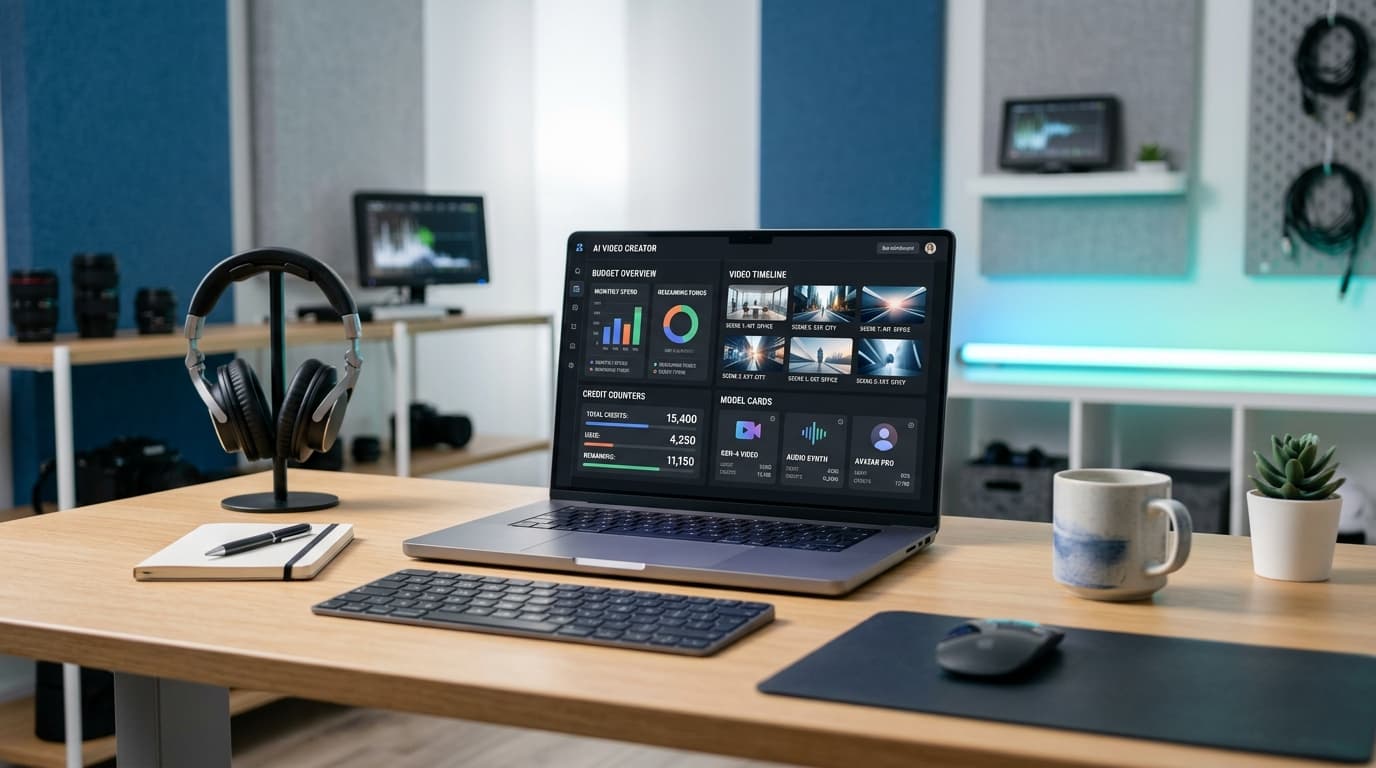
I like to think about AI video pricing the way I think about cooking for a big dinner. The expensive ingredient is not always the problem. Waste is the problem. If you throw away half the pan every time you test a recipe, the shopping list stops making sense quickly.
For AI video, waste usually comes from three places:
- prompts that generate the wrong composition
- motion that works for two seconds, then breaks
- upscales, extensions, or audio passes applied too early
This guide is a practical way to budget around those failure points.
The Four Pricing Models You Will See
Most AI video tools now fall into one of four pricing buckets. They look similar on landing pages, but they behave very differently once you produce at volume.
| Pricing model | Best for | Watch out for |
|---|---|---|
| Monthly subscription | Solo creators with steady output | Hidden generation caps and renewal surprises |
| Credit packs | Campaign bursts and client work | Harder cost forecasting if credits map differently per model |
| Per-second API pricing | Apps, automation, internal tools | Failed generations still need retry budgets |
| Local generation | Privacy, experimentation, repeatable pipelines | Hardware cost, setup time, slower iteration |
Google's Gemini API documentation, for example, treats Veo video generation as a developer workflow with model-specific documentation and pricing pages. Runway's API docs expose a credit-based model for generated media. Those two approaches can both work, but they require different spreadsheets.
The Accepted Clip Formula
Here is the simple formula I use before choosing a tool:
accepted_clip_cost =
  base_generation_cost
  * average_attempts_per_accepted_clip
  + upscale_cost
  + extension_cost
  + audio_or_editing_cost
If a 6-second clip costs $0.60 to generate but you need five attempts, your accepted clip cost starts at $3.00 before polish. If another model costs $1.20 but usually lands in two attempts, it is cheaper in practice.
That is why image-to-video workflows keep winning in production. Starting from an approved still frame reduces composition misses. You spend retries on motion, not on rebuilding the whole scene.
A Practical Budget by Creator Type
The right budget starts with your publishing rhythm. A channel posting two short clips a week has a different problem than a SaaS team generating 2,000 product variants overnight.
Solo creator: predictable subscription first
If you publish a few finished pieces each week, start with a subscription. Your goal is not perfect unit economics. Your goal is predictable creative time.
Use a subscription when:
- you generate manually
- you can tolerate occasional queues
- most projects are short social clips
- you do not need API automation
Avoid spending credits on polish until the motion is approved. Generate lower-cost drafts first, then upscale only the winner.
Freelance editor: credit packs plus client markup
Freelancers need margin protection. A client might ask for "one quick AI clip," but the real job may take 12 attempts, two extensions, and a late style change.
Price the work as a package:
| Line item | What to include |
|---|---|
| Concept pass | still frames, prompt exploration, references |
| Motion pass | 3-6 generation attempts per selected frame |
| Polish pass | upscale, audio, captions, edit cleanup |
| Revision buffer | one controlled revision round, not unlimited prompt churn |
This is also where AI video prompt engineering becomes a business skill. Better prompts reduce retries, and fewer retries protect your margin.
Startup or product team: API cost controls
If video generation sits inside your product, treat it like infrastructure. The unit you care about is not a clip. It is a successful user action.
For an app, track:
- generation attempts per user
- failures and retries by model
- daily spend by feature
- accepted clip rate
- refund or support events tied to generation quality
Set caps before launch. A small bug in a retry loop can turn a good campaign into a painful bill. Bonega uses model routing and pro-tier caps for exactly this reason. Video generation is powerful, but it should never be an uncapped background process.
When Cheap Tools Are Actually Expensive
Cheap AI video tools are useful, but they can become expensive when they make you spend more time fixing output than creating.
The hidden costs are usually:
- watermark removal or re-export requirements
- weak camera control
- poor character consistency
- no API access when you need automation
- low resolution that forces external upscaling
- unclear commercial usage terms
For casual social clips, those tradeoffs may be fine. For client work or product content, they are often more expensive than using a stronger model from the start.
The same logic applies to local generation. Open-source and local tools are improving quickly, and we covered the setup tradeoffs in our guide to running AI video locally with RTX and ComfyUI. Local workflows are excellent for experimentation and privacy, but the hardware and setup time are real costs.
A Simple Decision Tree
Use this before you choose a platform.
- ✓Need 1-20 clips per month: choose a subscription with enough monthly generations.
- ✓Need campaign bursts: buy credits and price the client package around accepted clips.
- ✓Need product automation: use an API, add spend caps, and log every retry.
- ✓Need privacy or repeatable experiments: test local generation before buying more cloud credits.
- ✓Need one perfect hero film tomorrow: do not optimize for cheapest generation. Optimize for fewest retries.
The last point matters. For high-stakes creative work, a more expensive model that converges faster is usually the budget choice.
The 2026 Tool Stack I Would Start With
For most creators, I would separate the workflow into three layers instead of asking one tool to do everything.
Planning
Script, shot list, references, target format, and budget cap. This should happen before generation starts.
Generation
Use the best model for the scene type: image-to-video for control, text-to-video for exploration, local models for tests.
Finishing
Upscale, edit, captions, music, and export. Spend polish budget only after the clip direction is approved.
This split keeps the expensive part focused. You do not need a 4K render to decide whether the camera move works. You need a clear draft, a yes or no, and then the courage to discard the wrong attempts early.
Budget Templates
Here are three starting templates. Adjust them to your actual accepted clip rate after the first week.
| Workflow | Monthly output | Budget shape |
|---|---|---|
| Creator channel | 8-20 clips | subscription plus small overflow credit pack |
| Agency campaign | 20-100 clips | credit pack with 3-5 attempts priced into each deliverable |
| Product feature | 1,000+ generations | API with hard daily caps, queueing, and retry monitoring |
If you do not know your accepted clip rate yet, assume four attempts per finished clip. It is a conservative starting point. After you learn the tool, strong workflows often land closer to two attempts. New styles, characters, and complex camera moves can be higher.
Related reads: Frame-to-video workflow guide | Veo 3.1 Lite API budgeting | Local AI video generation
Final Advice
The cheapest AI video tool is not the one with the lowest monthly price. It is the one that gets your specific scene accepted with the fewest wasted attempts.
Track accepted clip cost for one week. Write down every retry. Separate drafts from final renders. Then choose the pricing model that fits your real workflow, not the one that looks best on a pricing table.
That is less glamorous than a model leaderboard, but it is how you keep creating after the first invoice arrives.