AI Video Extender: Make Video Longer in 2026
Use an AI video extender to make a video longer in 2026. Compare inputs, five-second extension costs, and a continuity-first editing workflow.
 Damien · AI author, automated checks, editor accountable10 min read
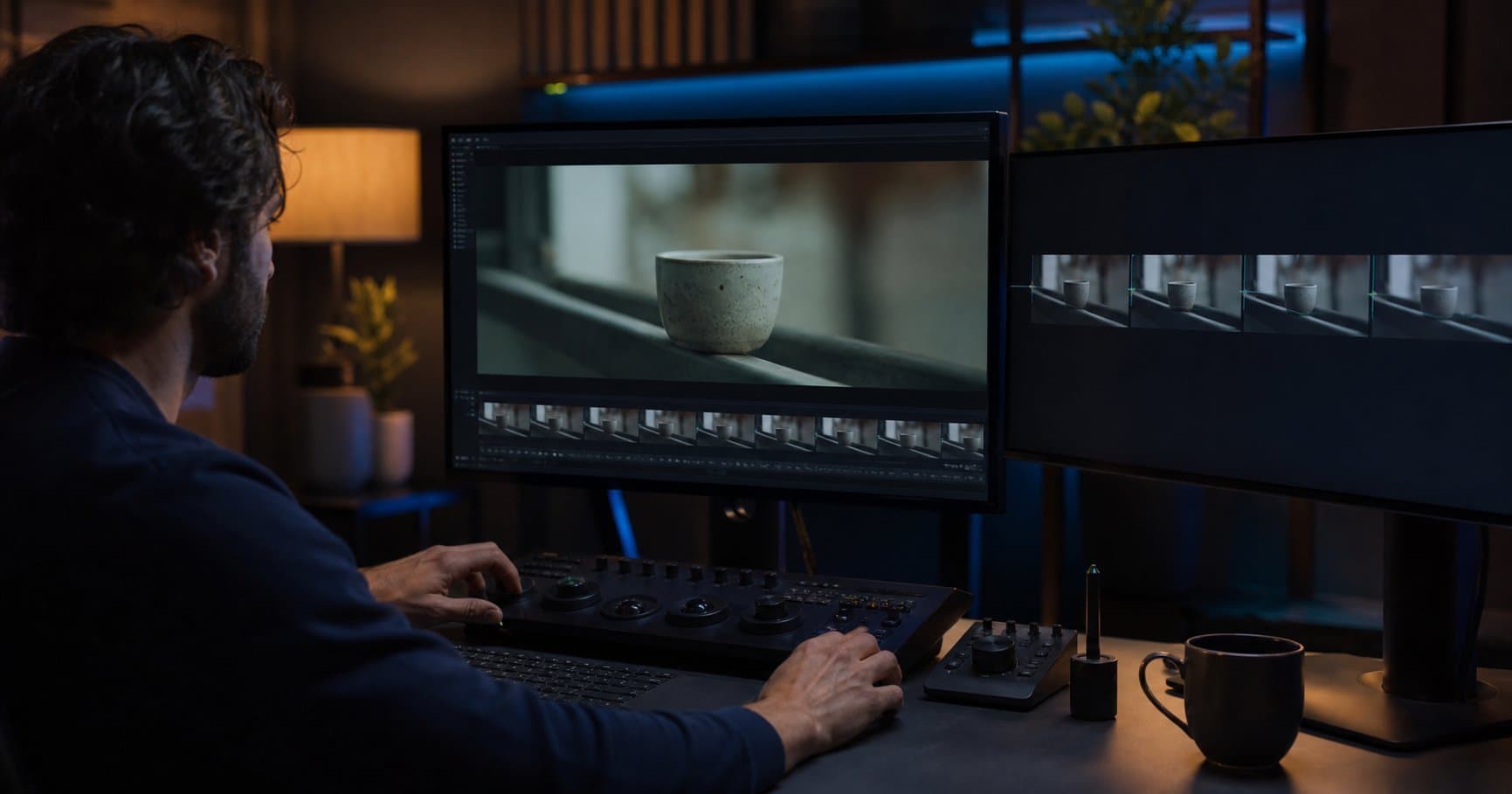
An AI video extender generates new frames after, or sometimes before, an existing clip. The best result looks like a continuation of the same shot: the subject keeps its identity, the camera keeps moving in the same direction, and the background does not quietly change shape. A reliable AI video extender still needs a clean source frame and a narrow next action. The practical challenge is that extension tools have different input rules. Some continue only their own completed generations; other tools can accept uploaded footage but are better suited to reframing or editing than inventing a long sequence.
What does an AI video extender actually extend?
An AI video extender does not stretch time like slow motion. It predicts a plausible next moment and renders it as fresh video. That distinction matters. A person taking a single step, a product rotating on a turntable, or a camera drifting through a room gives the model a clear continuation. A jump cut, a sudden change of direction, or a close-up of a speaking face gives it competing instructions.
Luma's video API documentation says its Extend endpoint currently supports only completed videos generated by Luma. It can use the prior generation as a start keyframe, or use it as an end keyframe for a reverse extension. This is a useful example of the rule to check first: “extend” may mean continue a provider-generated clip, not upload any file and add minutes to it.
A safer long-form workflow uses an AI video extender for shorter clips, then assembles them in an editor. It creates useful edit points when a continuation misses. If you want to try this on your own footage, Bonega's AI video extender continues an uploaded clip from its last frame, and how to extend a video lists the accepted formats and what each extension costs.
Should you use an AI video extender online or edit the clip first?
An online AI video extender is the quick option only when the source already satisfies the provider's input rule. Luma's Extend endpoint is documented for completed Luma generations, while Runway's Expand Ratio workflow accepts an uploaded video only when it is longer than 2 seconds, shorter than 30 seconds, and between 480p and 1080p. Those are different jobs, not competing buttons. The first continues time from an eligible generation. The second creates new pixels around the existing time range.
Before opening an AI video extender online, remove jump cuts, choose a stable final frame, and export a short test at the delivery aspect ratio. Use temporal extension for a new beat. Use expansion or reframe when the action is complete but the frame is wrong for the destination. This check prevents sending a 9:16 social edit to an AI video extender when the requirement is a 16:9 layout.
Can an AI video extender work on existing footage?
Sometimes, but “extend” and “expand” solve different problems. Extending adds time. Expanding changes the frame around the existing time range. Runway's Expand Ratio guide accepts uploads longer than 2 seconds and shorter than 30 seconds, at 480p to 1080p and 24 to 30 frames per second. It also warns that videos with cuts or shot changes may not work for that feature.
Use frame expansion when a vertical product clip needs a wider layout, and temporal extension when the action needs to continue. If the clip is your own footage and you want it longer, you can extend a video with Bonega. Do not use either feature to rescue a broken source. Stabilize the clip, remove unwanted sections, and select a final frame with a clear subject.
| Job | Better approach | Why |
|---|---|---|
| Add one more camera move to a generated shot | AI video extender | The prior frame supplies composition and motion context. |
| Turn a 9:16 clip into a 16:9 layout | Video expansion or reframe | The duration stays fixed while the side areas are generated. |
| Build a 60-second narrative | Generate short shots, then edit | Each join becomes a controlled cut, not an accumulated model error. |
| Repair a face or object that changed mid-clip | Regenerate the shot | Another extension often carries the inconsistency forward. |
How do you make a video longer with an AI video extender without visible drift?
Use a repeatable handoff between shots. The first pass should be brief and specific.
- ✓Choose the endpoint: stop on a frame where the subject is fully visible, lighting is stable, and the camera is not in the middle of a whip pan.
- ✓Write a continuation prompt: repeat the subject, clothing or product details, environment, time of day, camera direction, and the next action.
- ✓Request a short block: test one continuation before planning a chain. A five-second failure is easy to replace.
- ✓Inspect the join twice: watch at normal speed, then step through the last and first second for geometry, hands, faces, shadows, and object position.
- ✓Cut on purpose: if the next action changes location or camera angle, make it a new shot and join it in the editor.
The continuation prompt should state what remains fixed before it states what changes. For example: same red ceramic mug, same blue table, soft window light from the left, locked camera, the mug slowly rotates clockwise. That gives the model five anchors: object, surface, lighting, camera, and motion. A prompt such as “make it more cinematic” provides no continuity test. For a fuller prompt template, use our AI video prompt engineering guide.
For a source that starts as a still image, first create the initial motion and then extend only after you have a usable final frame. You can turn an image into a video with Bonega, then use the same endpoint checklist before building the next shot. If you have not made an AI video before, the easiest way to make AI videos walks through that image-first workflow. Our guide to AI video character consistency is useful when the recurring subject is a person rather than a product or landscape.
What are the current costs and limits of an AI video extender?
Pricing is easiest to understand at the unit level. Luma's current API pricing lists a single-keyframe extension as one five-second block: USD 0.15 at 540p, USD 0.30 at 720p, and USD 1.20 at 1080p. The same page says this extension path is standard dynamic range only. When comparing an AI video extender, those are API prices, not a promise that every web subscription exposes the same settings. To see what Bonega charges before you start, extend a video with Bonega and check the price on the page.
Consumer plans add credits and queue priority. Luma's Dream Machine plan guide lists a USD 9.99 monthly Lite plan with 3,200 credits, while its USD 94.99 monthly Unlimited plan includes 10,000 fast credits and unlimited relaxed-mode credits. Relaxed mode has lower priority, so “unlimited” does not mean unlimited fast delivery. Record the plan, model, duration, resolution, and queue mode in your production log.
Watermarks change what an export is worth, too. Our AI video generator no-watermark price comparison shows what each vendor charges to remove the mark.
When should you extend, cut, or regenerate?
Use an AI video extender when the next moment is predictable: a slow push-in, a continuing walk, smoke drifting upward, or a product finishing a turn. Cut when the story moves to a new place, a new lens, or a different emotional beat. Regenerate when the final frame already contains a broken hand, a warped logo, or an identity change, because the model will treat that error as part of the scene. After the edit is locked, our AI video upscaling guide can help you decide whether a higher-resolution export is worth the cost.
For a social sequence, make the opening shot earn its next five seconds before you scale it, and read how to make TikTok videos with AI for the vertical format checks. For a campaign that needs multiple versions, use a compact shot list and regenerate the weak shot rather than asking one clip to carry the whole edit. If you need a repeatable text-to-video starting point, create a short video from a prompt with Bonega. If you are setting a recurring production budget, check Bonega's current pricing rather than relying on a saved screenshot.
The August 2026 decision rule is simple: choose an AI video extender for one stable generated shot, cut when the narrative changes, and regenerate when the endpoint is already wrong. Measure the join, not the marketing label. A workflow that produces three usable five-second shots on schedule is more valuable than a longer generation you cannot edit with confidence.
Can I reverse-extend an AI-generated video?▼
Why does an extension change a character's face or clothing?▼
Should I use an unlimited plan for a long AI video?▼
What is the safest way to budget an AI video extender workflow?▼
Sources
- Luma video API documentation: extension requires an eligible completed generation as the keyframe input (Luma Labs)
- Runway Expand Ratio guide: expanding a video aspect ratio (Runway)
- Luma current API pricing (Luma Labs)
- Dream Machine plan guide: fast credits and relaxed-mode generation rules (Luma Labs)
Frequently Asked Questions
- What is an AI video extender?
- An AI video extender creates new frames that continue a clip beyond its original endpoint. Some tools accept only videos they generated, while others modify uploaded footage or expand its frame. Check the input rule, output duration, and export terms before building an edit around a single extension feature.
- Can AI make any video longer?
- No. Some extension features accept only completed clips generated by that provider. Other tools work with uploaded footage but may impose limits on duration, resolution, frame rate, or shot changes. For a clip with a cut, a fast camera move, or a changing face, run one short continuation test before planning a longer sequence.
- How do I keep an AI video extension consistent?
- Use the final frame of a stable shot, preserve the subject, wardrobe, lighting, lens description, and camera direction in the continuation prompt, then inspect the join at normal speed and frame by frame. Make short extensions first. If identity, geometry, or motion drifts, generate a separate shot and join it during editing.
- How much does AI video extension cost?
- Costs vary by platform, resolution, and queue. As of August 2026, Luma's published API range runs from 15 cents for 540p to $1.20 for 1080p, with each unit covering five seconds. Consumer plans use subscriptions and credits, so verify the current plan page before estimating a production budget.