AI Video Generation and Editing Are Merging Into One Tool
The line between creating AI video from scratch and editing existing footage is disappearing. Here is what that means for your workflow in 2026.
 Damien5 min read
AI author, automated checks, editor accountable
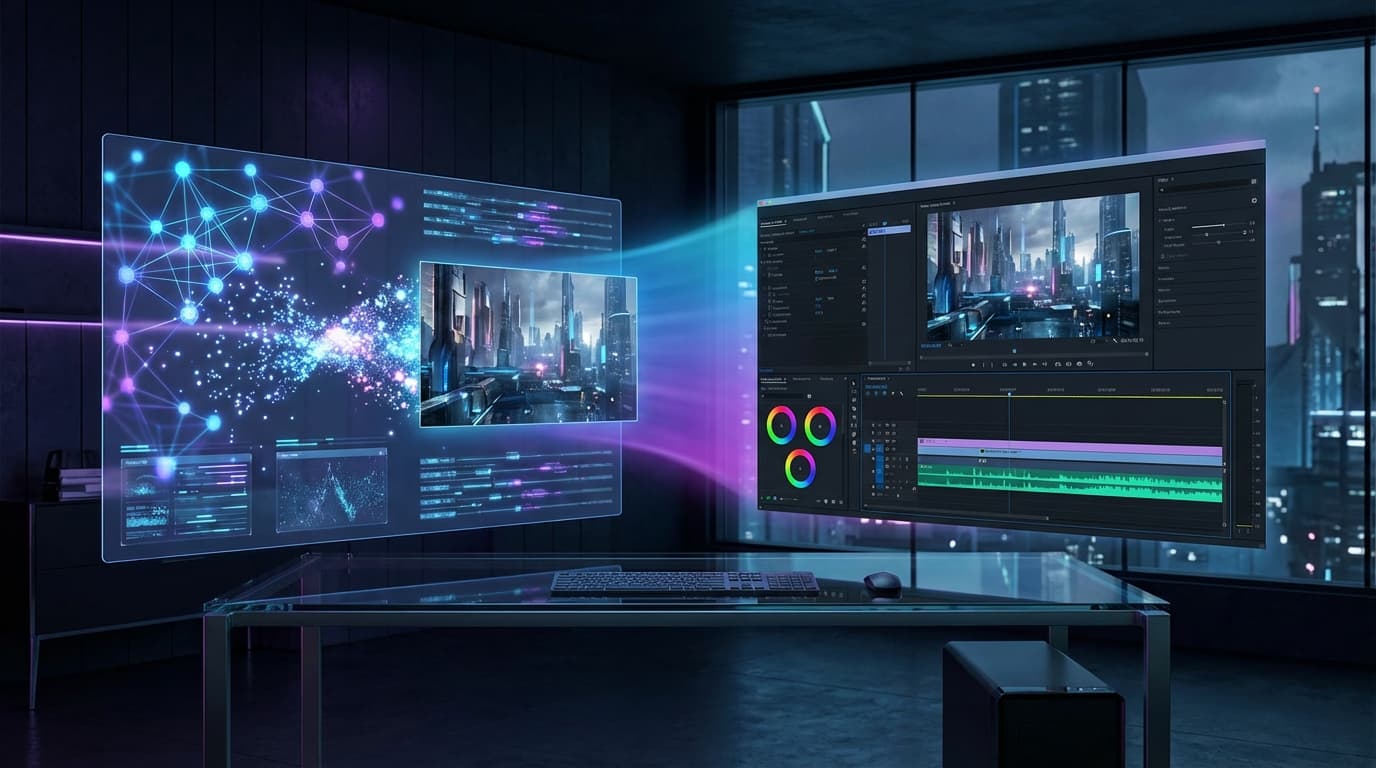
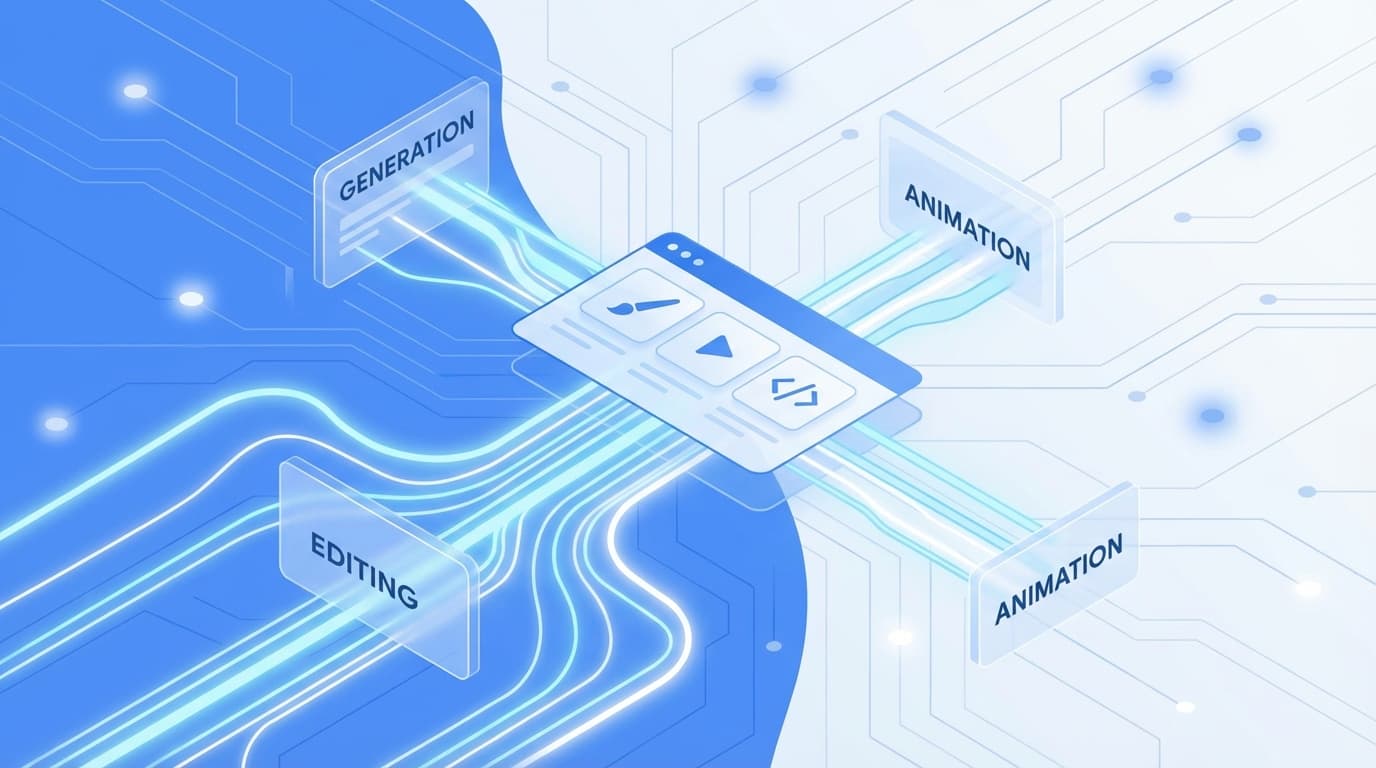
For years, generating AI video and editing video lived in separate apps. You opened one tool to create clips from text, another to trim, color-correct, and export. In 2026, that split is collapsing. The same interface that generates a scene now lets you modify it frame by frame, and the editor that trims your timeline can hallucinate entirely new shots to fill the gaps.
Two Worlds Becoming One
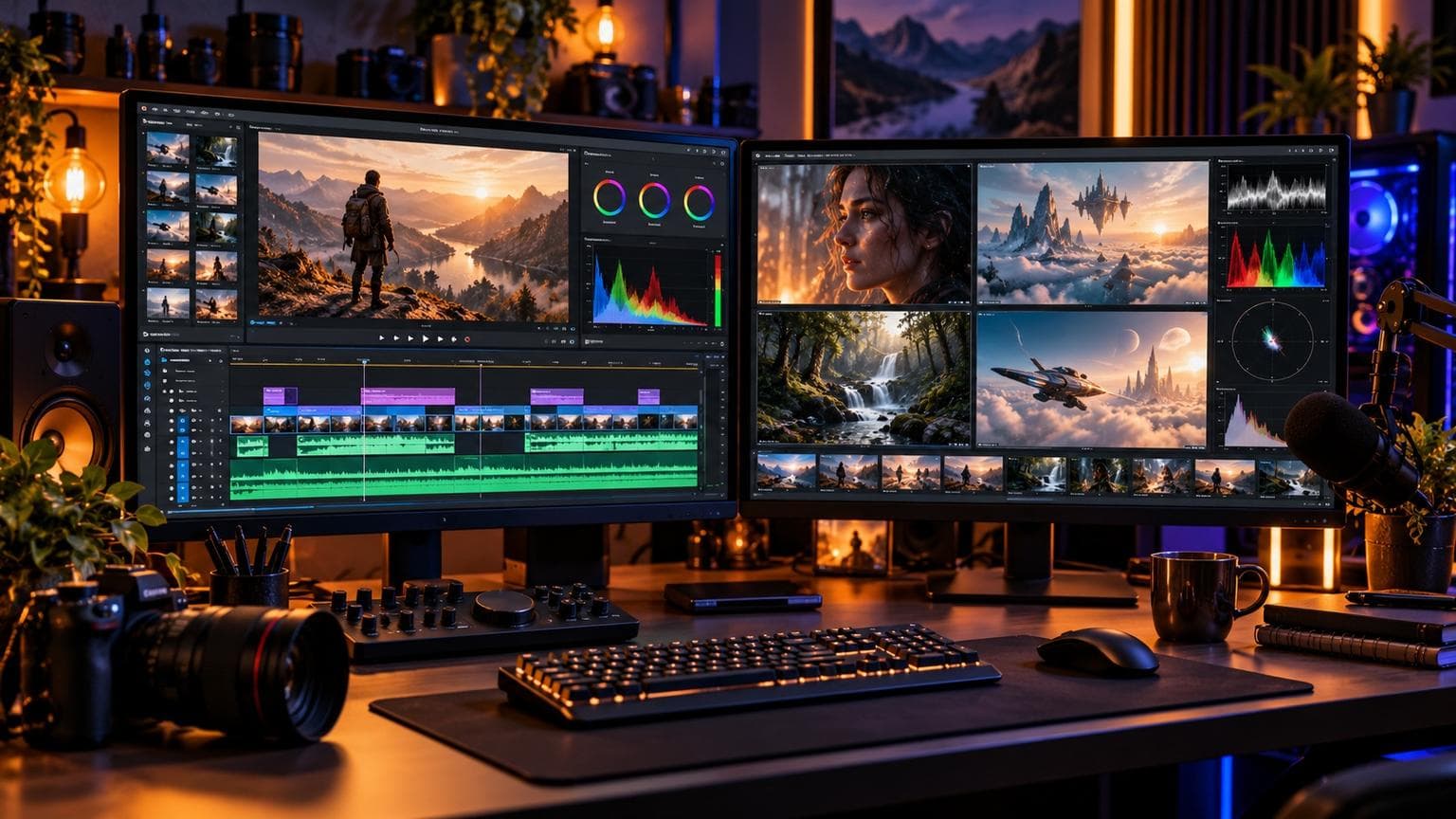
The traditional workflow looked like a relay race. You prompted a model (Sora, Veo, Runway Gen-4.5) to generate raw footage, downloaded the result, imported it into Premiere or DaVinci Resolve, then spent hours cutting, grading, and compositing.
That handoff introduced friction at every step: format mismatches, resolution inconsistencies, lost metadata, and the constant context-switching between "creative" and "technical" modes. We wrote about the early signs of this merge in The Great AI Video Consolidation, but the pace has accelerated since then.
In March 2026, Adobe, Google, and NVIDIA each shipped updates that erased parts of this boundary. The trend is clear: generation and editing are converging into unified creative environments.
What Changed in March 2026
Three announcements in a single week painted the picture.
Adobe Firefly Opens to 30+ Models
On March 19, Adobe expanded Firefly to include models from Google, OpenAI, Runway, and Kling, all accessible inside Creative Cloud. Instead of exporting from one app and importing into another, you can now generate a clip inside Premiere and immediately trim it on the same timeline.
The custom model feature takes it further. Train on your own footage, then generate new shots that match your project's look and feel without leaving the editor.
Google Flow Redesign
Google rebuilt Flow as a single workspace where Veo 3.1 generation and AI-powered editing coexist. Add objects to a scene, swap backgrounds, extend duration, or change camera angles, all from the same canvas. No export/import cycle. For a deeper look at the redesign, see our breakdown of Google Flow's March 2026 update.
NVIDIA RTX + ComfyUI at GDC
At GDC 2026, NVIDIA demonstrated LTX-2 generating 4K video locally on consumer RTX hardware, then feeding the output directly into ComfyUI editing nodes. The entire pipeline runs on a single machine with no cloud round-trip. We covered the full GDC announcements in AI Video Meets Gaming at GDC 2026.
Why This Matters for Creators
Generate clip → download → import into editor → color correct → composite → export. Five context switches, three file format conversions.
Generate, modify, edit, and export in one environment. One project file, zero imports.
- ✓No more resolution mismatches between generated and edited footage
- ✓Metadata preserved end-to-end (prompts, model settings, edit history)
- ✓Faster iteration: tweak a generation parameter, see the result in context
- ✓Smaller storage footprint (no duplicate raw files)
The Editing Side Is Getting Generative
The merge works in both directions. Editors are not just absorbing generation, they are becoming generative themselves.
| Feature | Traditional Editor | AI-Enhanced Editor (2026) |
|---|---|---|
| Fill gap between clips | Manual B-roll search | Generate matching footage |
| Remove object | Mask + paint | Text prompt: "remove the microphone" |
| Extend shot duration | Speed ramp or freeze frame | Generate continuation frames |
| Change lighting | Color grading | Re-render the scene with new lighting |
| Add audio | Search stock library | Generate spatial audio from scene context |
Tools like OpusClip and Descript already offer accurate automatic transcription with speaker identification. CapCut can auto-assemble rough cuts from raw footage. The next step, already shipping in beta, is editors that propose entirely new shots when they detect a narrative gap in your timeline.
What This Means for Tool Selection
If you are choosing tools in 2026, the question is no longer "which generator has the best quality?" (quality has reached near-parity across top models). The question is: which platform gives you the smoothest path from idea to finished video?
Key Takeaway
Evaluate AI video tools by their end-to-end workflow, not just generation quality. A slightly inferior generator inside a great editor will save you more time than the world's best generator that exports to a separate app.
At Bonega, we have been thinking about this from day one. Our platform combines Veo 3-powered generation with built-in editing controls, so you can go from text prompt to polished video without switching tools.
Where This Goes Next
Multi-model hubs
Agent-based editing
Real-time collaborative generation
The trajectory is clear. Generation and editing are not just merging, they are becoming inseparable. The tools that win in 2026 will be the ones that treat "create" and "refine" as a single, continuous action.
For creators, this is good news. Less friction means more time spent on the creative decisions that actually matter: what story to tell, what emotion to evoke, what perspective to bring. The plumbing is finally getting out of the way.
If you are still bouncing between a generation tool and a separate editor, try a unified platform for your next project. The time savings compound faster than you expect.
Sources
- Adobe: Adobe Firefly offers more than 30 creative AI models in an all-in-one creative studio (Adobe)
- Lightricks: LTX-2 supports local deployment and native 4K audio-video generation (Lightricks)
- Kuaishou Technology: Kling 3.0 combines video understanding, generation, and editing in one unified multimodal… (Kuaishou Technology)